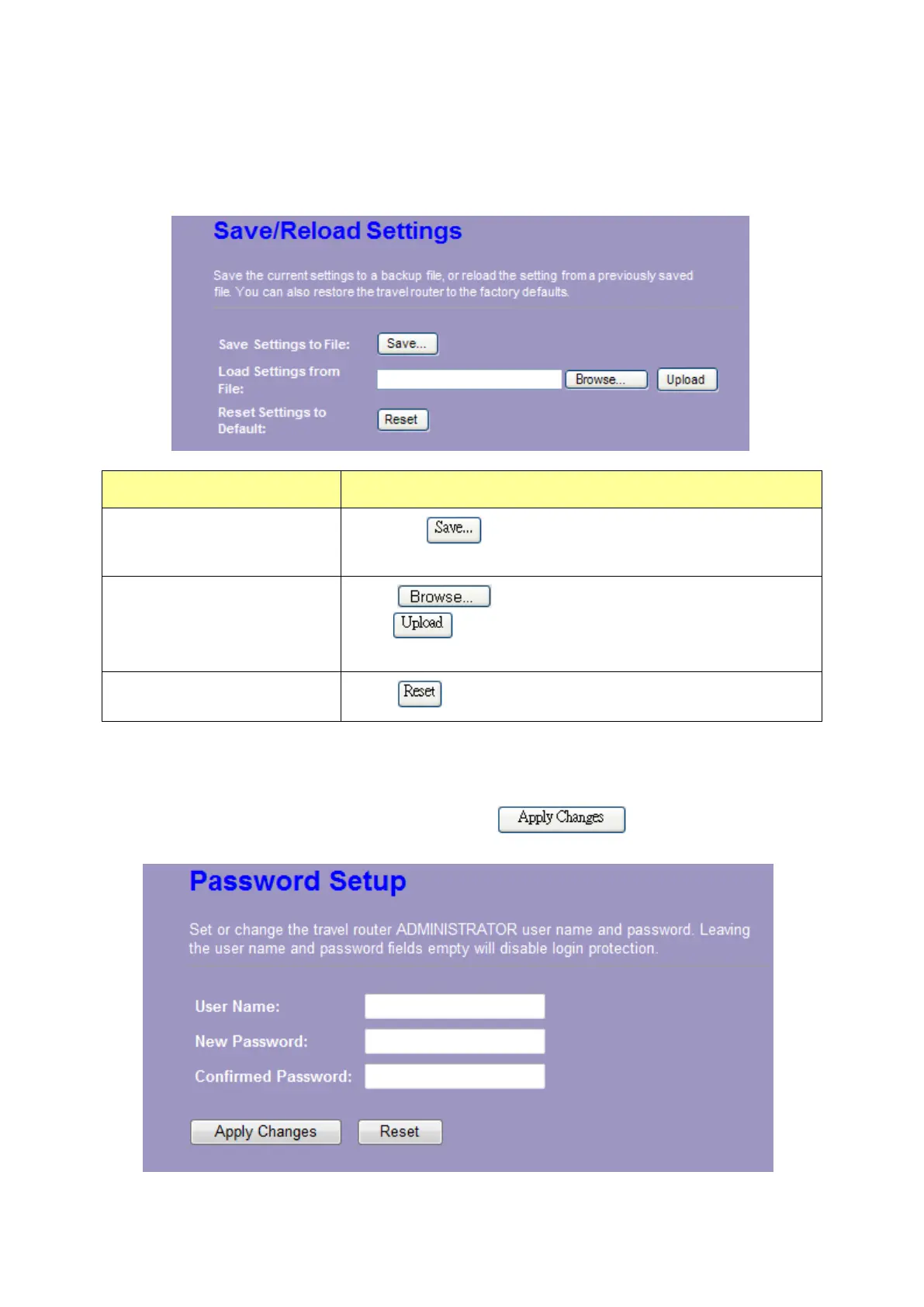
3.7.5 Save/Reload Setting
The Save/Reload Setting page allows users to save and upload the configuration settings of the
device or restore the factory default configuration.
Items Information
Save Settings to File
Click the
button to save the currently configure
settings.
Load Settings from File
Click
to select the file that you save, and then
click
to start to update the system configuration
settings. Please wait until it is complete.
Reset Settings to Default
Click
to start to load default settings.
3.7.6 Password
To set up the Administrator Account information, enter the Username, New password, and reenter
the password on the text box. Don’t forget to click the
to save the configuration.















 To Next Page