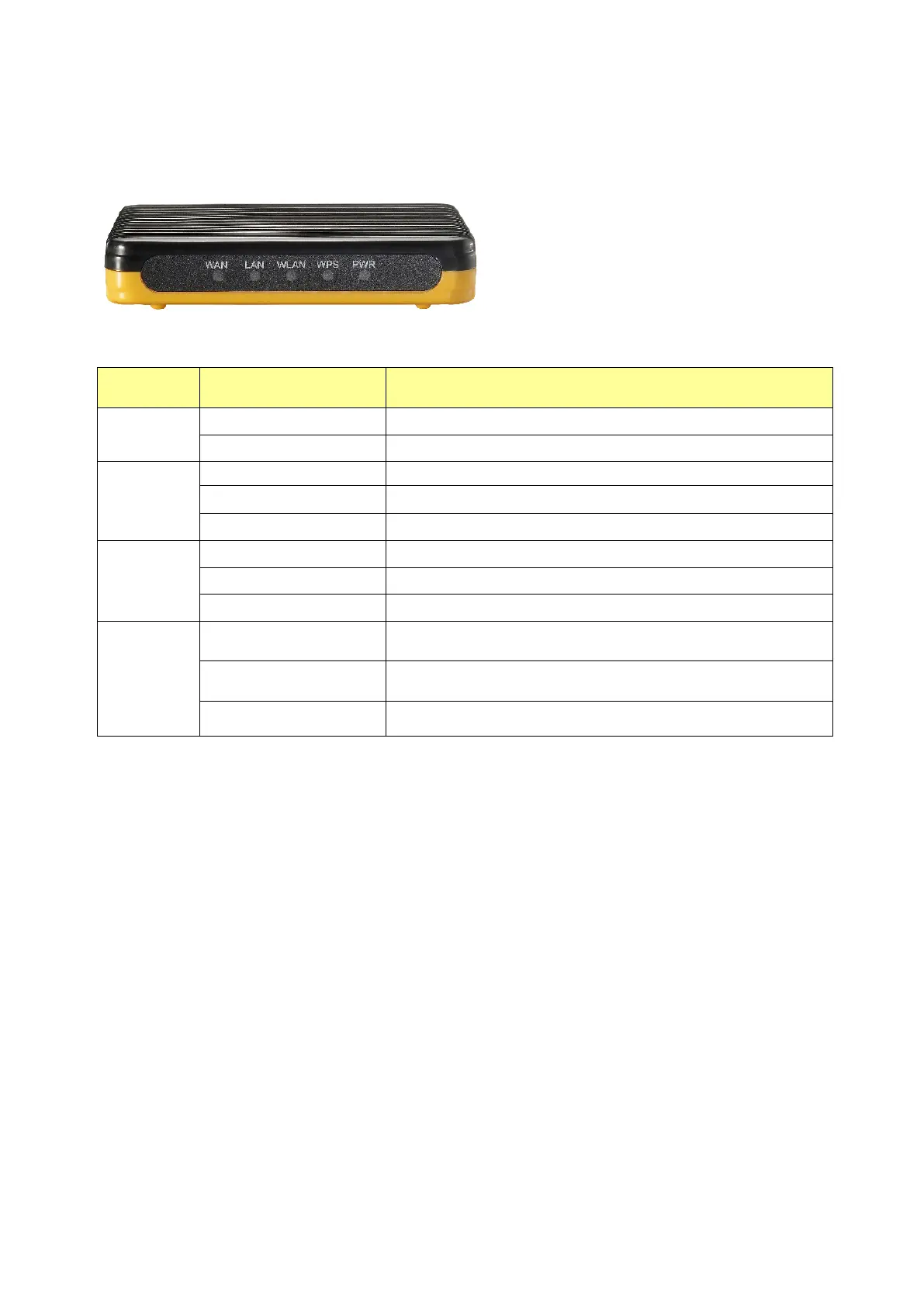
1.3 The Front Panel
The front panel of the Wireless Router:
Name Status Indication
PWR
Green Power on
Dark Power off
WPS
Blink green one time System reboot
Blink green WPS connecting
Dark System stability
WLAN
Off The wireless function is disabled.
Flashing The wireless function is enabled.
Flashing fast Sending or receiving data over wireless.
WAN /
LAN
Off
There is no device linked to the corresponding port or
the connection is dropping off.
On
There are devices linked to the corresponding ports but
no data transmitted or received.
Flashing Sending or receiving data over corresponding port.















 To Next Page