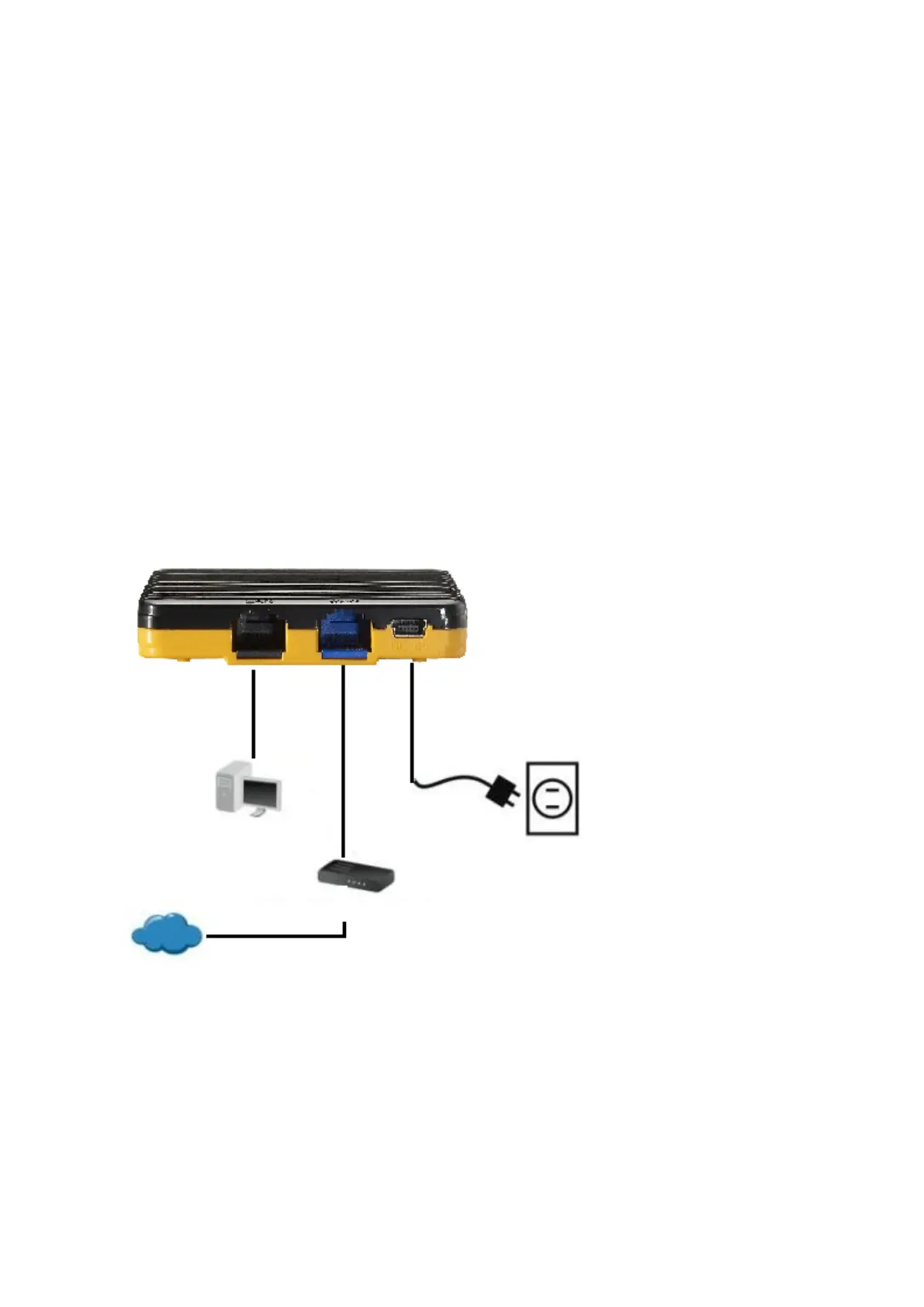
1.2 Hardware installation steps
Decide where to place your Wireless Router
You can place your Wireless Router on a desk or other flat surface. For optimal
performance, place your Wireless Router in the center of your office (or your home) in a
location that is away from any potential source of interference, such as a metal wall or
microwave oven. This location must be close to power and network connection.
Setup LAN connection
Wired LAN connection: Connect an Ethernet cable from your computer’s Ethernet port
to one of the LAN ports of the Wireless Router.
Wireless LAN connection: Locate the WBR-6802 at a proper position to gain the best
transmit performance.
3. Setup WAN connection
Prepare an Ethernet cable for connecting this product to your cable/xDSL modem or
Ethernet backbone.
4. Power on
ADSL/Cable Modem
Interne
PC/IP Device
Power
LAN WAN POWER















 To Next Page