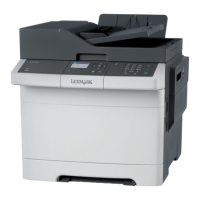
2 Load a sheet of paper with the printable side facedown.
Note: Make sure that the paper is loaded straight to avoid skewed or crooked print.
• For one‑sided printing, load letterhead with the printable side facedown and the top edge entering the
printer
first.
• For two‑sided printing, load letterhead with the printable side faceup and the top edge entering the
printer last.
Set up, install, and configure 50



 To Next Page