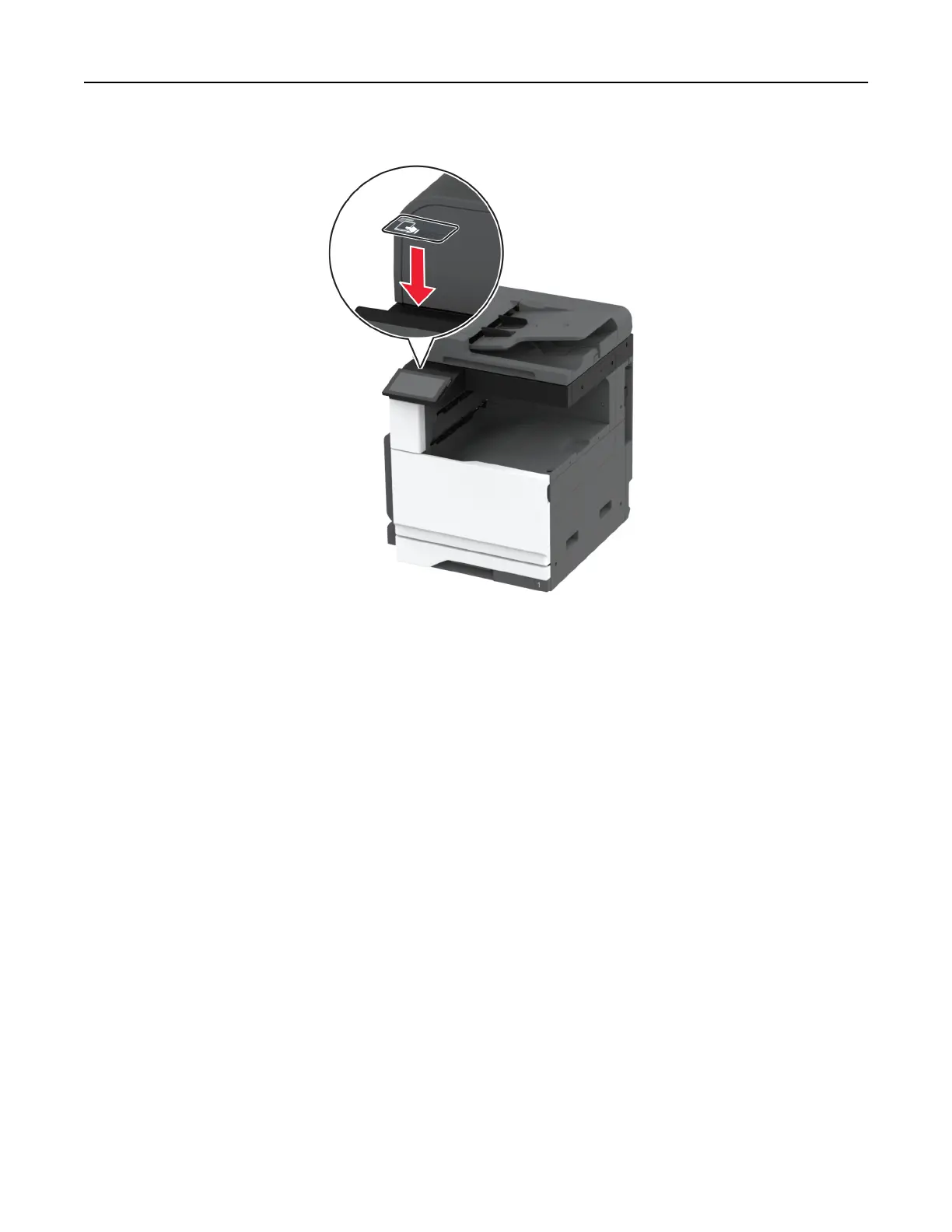
5 Attach the NFC card.
6 Turn on the printer.
Networking
Connecting the printer to a Wi‑Fi network
Before you begin, make sure that:
• A wireless module is installed in your printer.
• Active Adapter is set to Auto. From the home screen, touch Settings > Network/Ports > Network Overview
> Active Adapter.
Using the control panel
1
From the home screen, touch Settings > Network/Ports > Wireless > Setup On Printer Panel > Choose
Network.
2 Select a Wi‑Fi network, and then type the network password.
Note: For printers that are Wi‑Fi‑network‑ready, a prompt to set up the Wi‑Fi network appears during
initial setup.
Set up, install, and configure 148






 To Next Page