217
4
4-5. Using the driving support systems
Driving
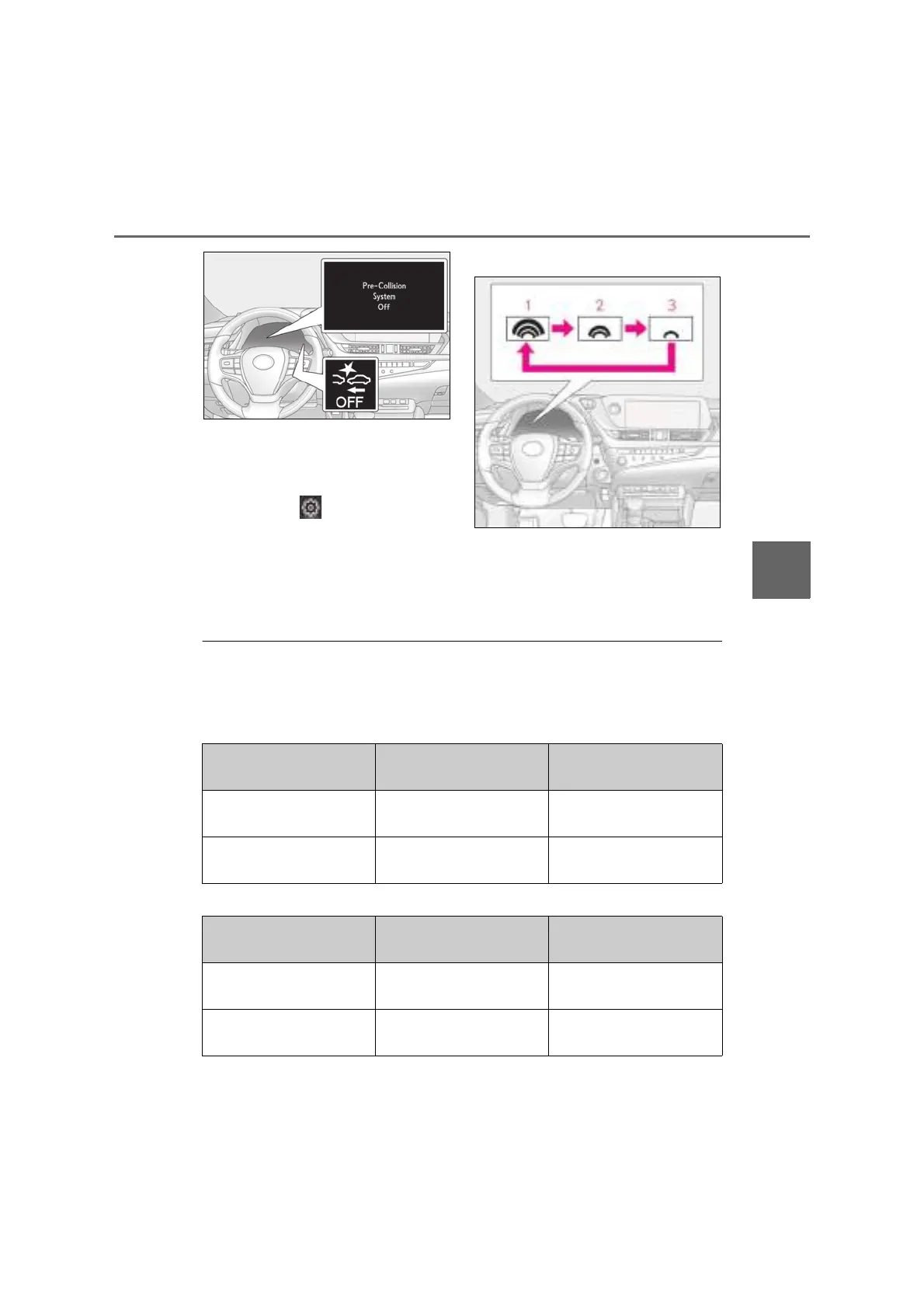
■ Changing the pre-collision warn-
ing timing
The pre-collision warning timing can
be changed on (P.110) of the
multi-information display.
The warning timing setting is retained
when the engine switch is turned off. How-
ever, if the pre-collision system is disabled
and re-enabled, the operation timing will
return to the default setting (middle).
1 Early
2 Middle
This is the default setting.
3 Late
■ Operational conditions
The pre-collision system is enabled and the system determines that the possibility of a frontal
collision with a detected object is high.
Each function is operational at the following speeds:
● Pre-collision warning
● Pre-collision brake assist
Detectable objects Vehicle speed
Relative speed between your
vehicle and object
Vehicles
Approx. 10 to 180 km/h (7 to
110 mph)
Approx. 10 to 180 km/h (7 to
110 mph)
Bicyclists and pedestrians
*
Approx. 10 to 80 km/h (7 to
50 mph)
Approx. 10 to 80 km/h (7 to
50 mph)
Detectable objects Vehicle speed
Relative speed between your
vehicle and object
Vehicles
Approx. 30 to 180 km/h (20
to 110 mph)
Approx. 30 to 180 km/h (20
to 110 mph)
Bicyclists and pedestrians
*
Approx. 30 to 80 km/h (20
to 50 mph)
Approx. 30 to 80 km/h (20
to 50 mph)



 To Next Page