164
3-4. Adjusting the steering wheel and mirrors
Q Operation conditions of reverse-linked
wide range image mode
Reverse-linked wide range image mode
operates when all of the following condi-
tions are met.
O The adjustment menu icon is on
O The shift lever is in R
Reverse-linked wide range image mode
will be canceled if any of the operation con-
ditions above is no longer met.
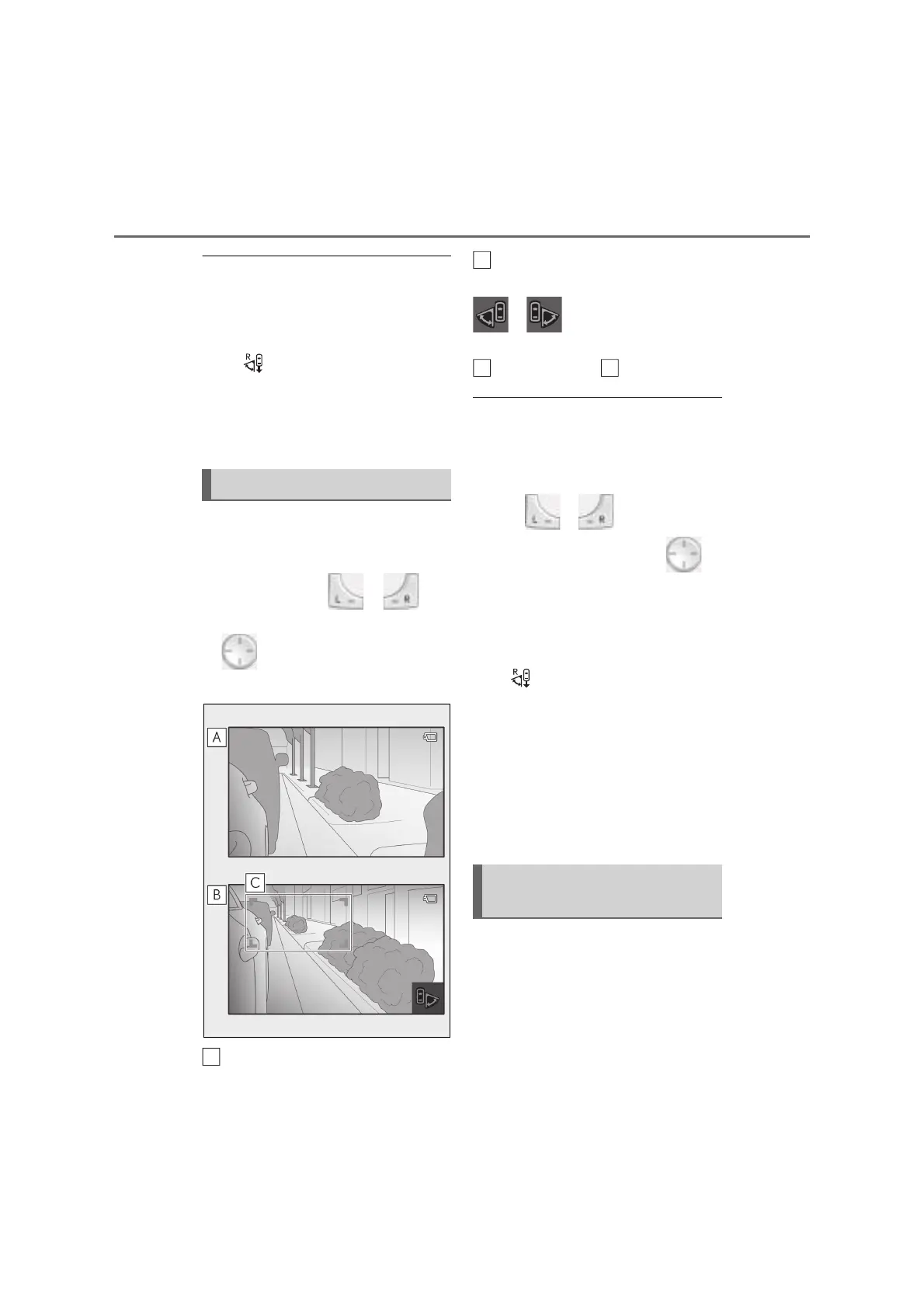
Manual wide range image mode can
be used to check for obstacles near the
rear wheels when moving the vehicle
to the side. Without or
selected, press up, down, left or right
on to expand the display range
on both displays.
Normal display range
Expanded display range
When the display range is expanded,
or will illuminate on the dis-
play.
Display range of
Q Cancellation conditions of manual wide
range image mode
When any of the following conditions is
met, manual wide range image mode is
canceled.
O When or is selected
O When up, down, left or right on is
pressed again
O When the vehicle is driven at approxi-
mately 30 km/h (19mph) or more for 15
seconds or more
O When the shift lever is shifted to R while
the adjustment menu icon is on
(reverse-linked wide range image mode)
Q When the mode is switched from man-
ual wide range image mode to reverse-
linked wide range image mode
The mode returns to manual wide range
image mode when the shift lever is shifted
from R (when reverse-linked wide range
image mode is operating) back to a position
other than R.
When a front door is opened, this func-
tion widens the display range of the
display so that the user can check a
wider range behind the vehicle.
The display range is widened only on
the display on the side of the vehicle in
Manual wide range image mode
A
Front door open-linked wide
range image mode
B
C



 To Next Page