316
5-1. Remote Touch/Display
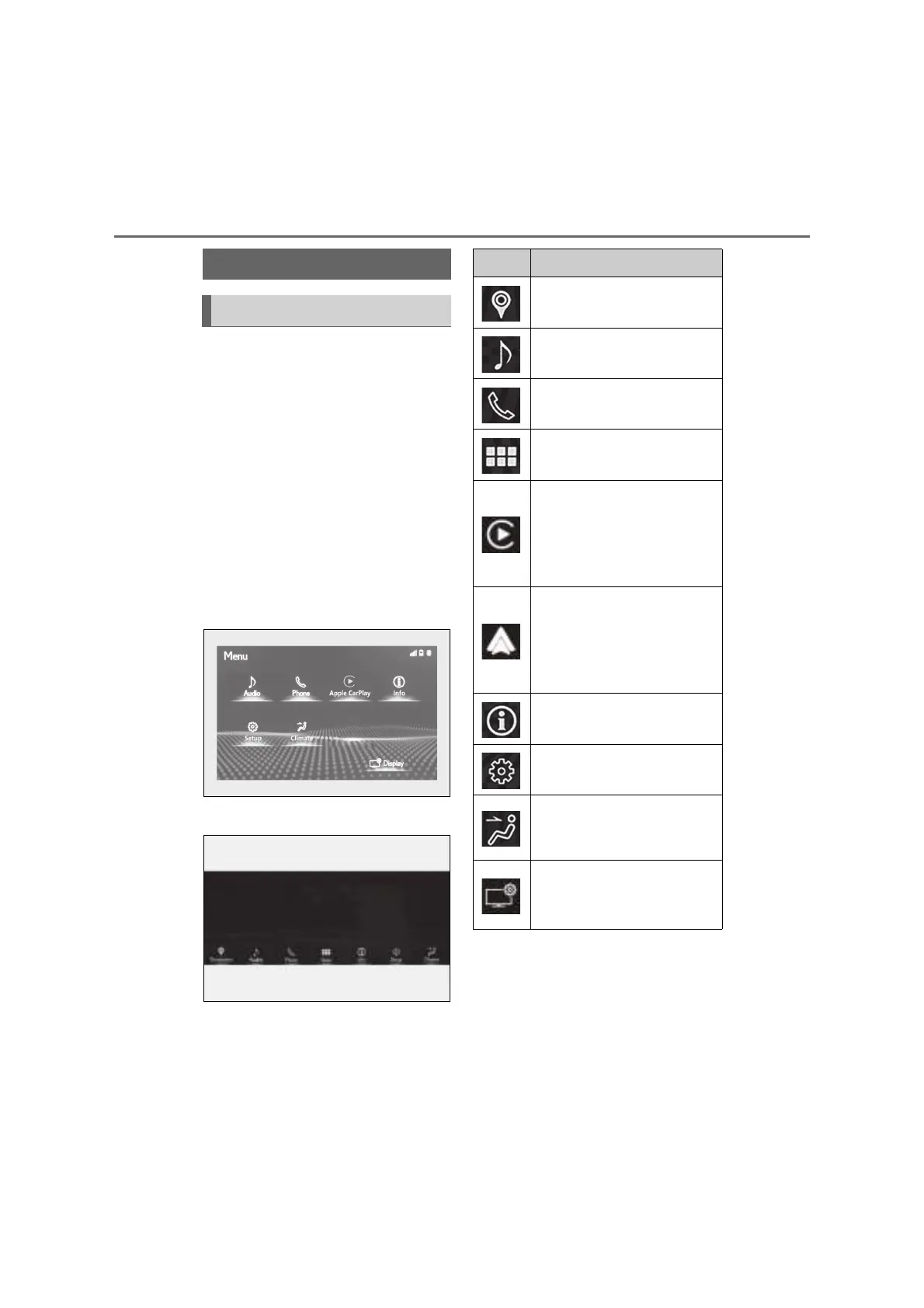
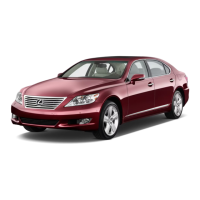
Q Menu screen
Press the “MENU” button on the
Remote Touch to display the menu
screen.
This system can also be operated by
the touch screen.
For details, refer to the “NAVIGA-
TION AND MULTIMEDIA SYSTEM
OWNER’S MANUAL”.
The display may differ depending on
the type of the system.
8-inch display model
12.3-inch display model
*1
: Refer to the “NAVIGATION AND
MULTIMEDIA SYSTEM OWNER’S
MANUAL”.
*2
: If equipped
*3
: This function is not made available in
some countries or areas.
Center Display
Center Display overview
Switch Function
Select to display the destination
screen.
*1, 2
Select to operate the audio con-
trol screen.
*1
Select to display the hands-free
control screen.
*1
Select to display the application
screen.
*1, 2, 3
When an Apple CarPlay con-
nection is established and this
button is displayed, select to dis-
play the home screen of Apple
CarPlay.
*1, 3
When an Android Auto connec-
tion is established and this but-
ton is displayed, select to display
the home screen of Android
Auto.
*1, 3
Select to display the information
screen.
*1
(P.118, 119)
Select to display the general set-
tings screen.
*1
Select to display the air condi-
tioning control screen.
(P.324)
Select to adjust the contrast and
brightness of the screens, turn
the screen off, etc.
*1, 2


 To Next Page