239
4
4-5. Using the driving support systems
Driving
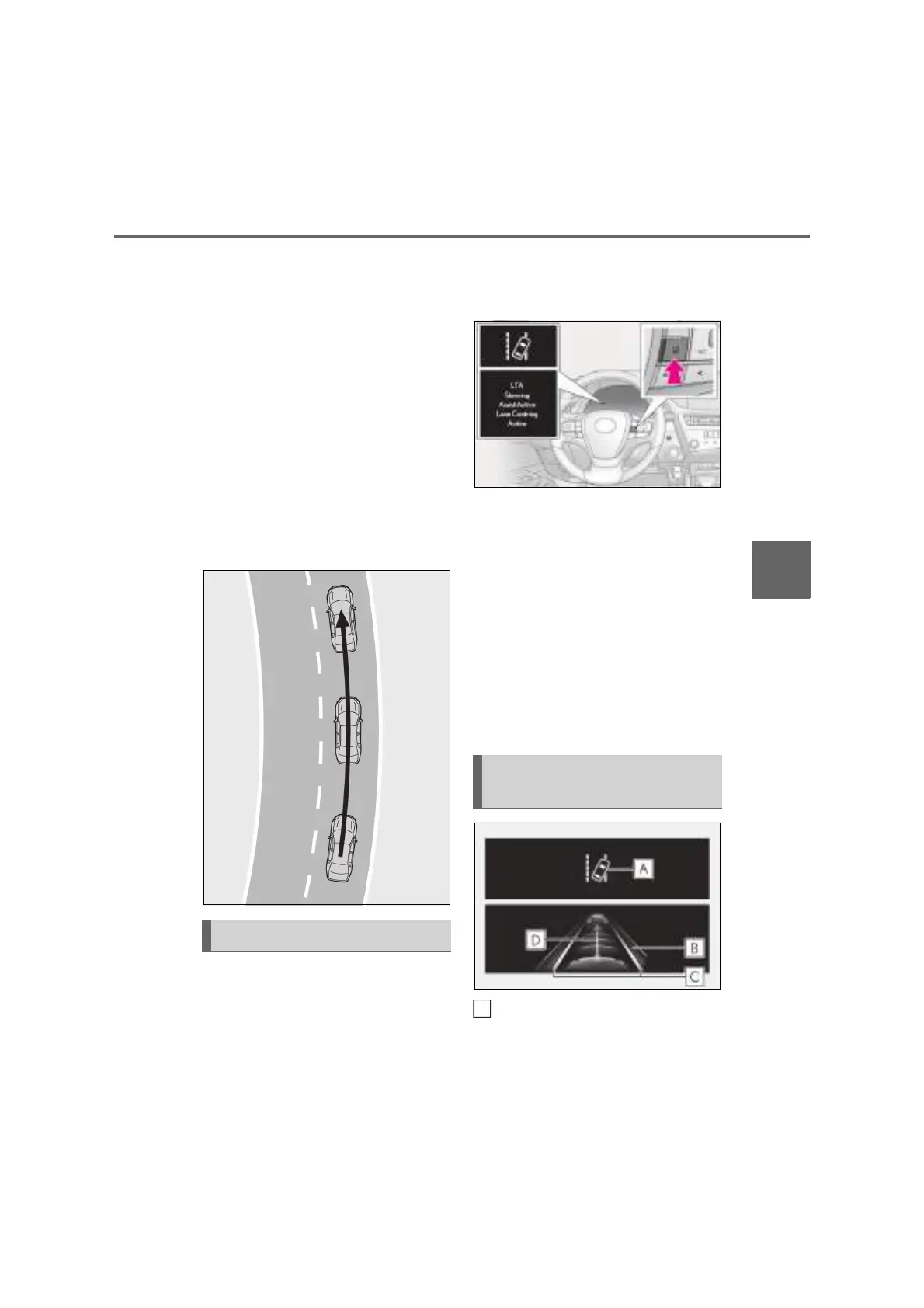
Q Lane centering function
This function is linked with dynamic
radar cruise control with full-speed
range and provides the required assis-
tance by operating the steering wheel
to keep the vehicle in its current lane.
When dynamic radar cruise control with
full-speed range is not operating, the lane
centering function does not operate.
In situations where the white (yellow) lane
lines are difficult to see or are not visible,
such as when in a traffic jam, this function
will operate to help follow a preceding
vehicle by monitoring the position of the
preceding vehicle.
Q Turning the lane centering func-
tion ON/OFF
Press the LTA switch.
The lane centering function will change
between ON/OFF each time the switch is
pressed.
The current setting will be displayed on the
multi-information display.
Q Turning the LTA system OFF
Press and hold the LTA switch
The LTA indicator light turns off when the
LTA is turned OFF.
Press the switch again to turn the system
on.
The LTA is turned ON each time the
power switch is turned to ON.
However, the lane centering function
keeps either the ON/OFF state prior to
the power switch being turned OFF.
LTA indicator
The illumination condition of the indicator
informs the driver of the system operation
LTA system setting
Indications on multi-information
display
A



 To Next Page