246
4-5. Using the driving support systems
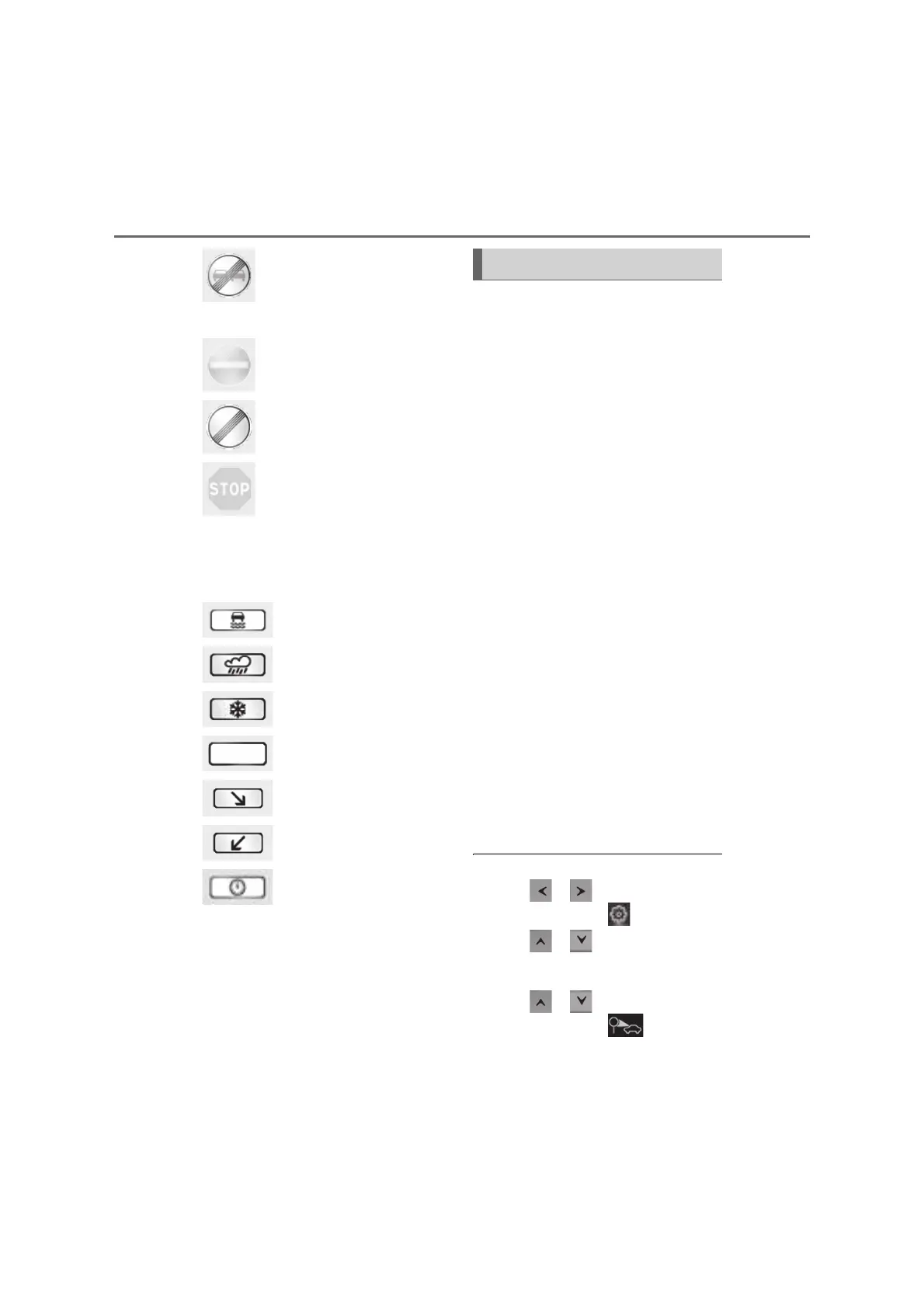
: No overtaking ends
Other road signs
: No-entry
*
: End of prohibition
: Stop
*
: For vehicles with navigation system
Speed limit with supplemental
mark
*1
: Wet
: Rain
: Ice
: Supplemental mark exists
*2
: Exit ramp on right
*3
: Exit ramp on left
*3
: Time
*1
: Displayed simultaneously with speed
limit
*2
: Contents not recognized.
*3
: If the turn signal indicator is not oper-
ated when changing lanes, the mark
does not display.
In the following situations, the RSA sys-
tem will notify the driver.
When the vehicle speed exceeds
the speed notification threshold of
the speed limit sign displayed, the
sign display will be emphasized and
a buzzer will sound.
When the RSA system recognizes a
no-entry sign and detects that the
vehicle has entered a no-entry area
based on the map information of the
navigation system, the no-entry sign
flashes and a buzzer will sound. (For
vehicles with navigation system)
If it is detected that your vehicle is
overtaking when a no overtaking
sign is displayed on the multi-infor-
mation display, the displayed sign
will flash and a steering wheel will
vibrate.
Depending on the situation, traffic
environment (traffic direction, speed
unit) may be detected incorrectly and a
notification function may not operate
properly.
Q Setting procedure
1 Press or of the meter control
switches and select
2 Press or of the meter control
switches and select “Vehicle Settings”,
then press “OK”
3 Press or of the meter control
switches and select , then press
“OK”
Notification function



 To Next Page