256
4-5. Using the driving support systems
with the cruise control off.
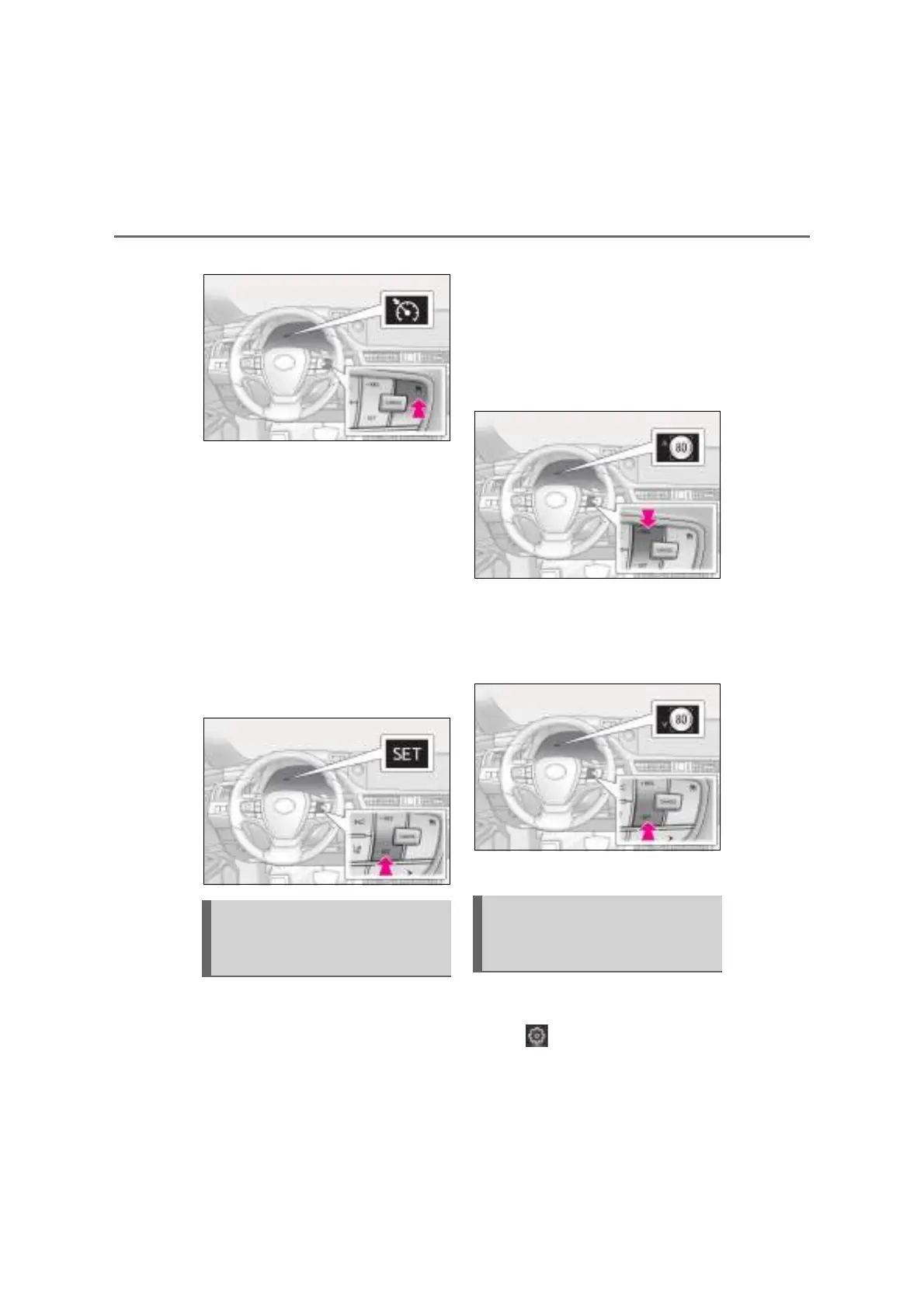
2 Accelerate or decelerate, with
accelerator pedal operation, to the
desired vehicle speed (at or above
approximately 30 km/h [20 mph])
and press the “-SET” switch to set
the speed.
Cruise control “SET” indicator will come
on.
The vehicle speed at the moment the
switch is released becomes the set speed.
Adjusting the speed setting: P.252
Canceling and resuming the speed setting:
P.254
When this function is enabled and the
system is operating in vehicle-to-vehi-
cle distance control mode (P.250),
when a speed limit sign is detected, the
recognized speed limit will be dis-
played with an up/down arrow. The set
speed can be increased/reduced to
the recognized speed limit by pressing
and holding the “+RES”/“-SET” switch.
When the current set speed is lower
than the recognized speed limit
Press and hold the “+RES” switch.
When the current set speed is
higher than the recognized speed
limit
Press and hold the “-SET” switch.
Dynamic Radar Cruise Control with
Road Sign Assist can be enabled/dis-
abled in on the multi-information
display. (P.107)
Dynamic Radar Cruise Control
with Road Sign Assist (if
equipped)
Enabling/Disabling the Dynamic
Radar Cruise Control with Road
Sign Assist (if equipped)



 To Next Page