261
4
4-5. Using the driving support systems
Driving
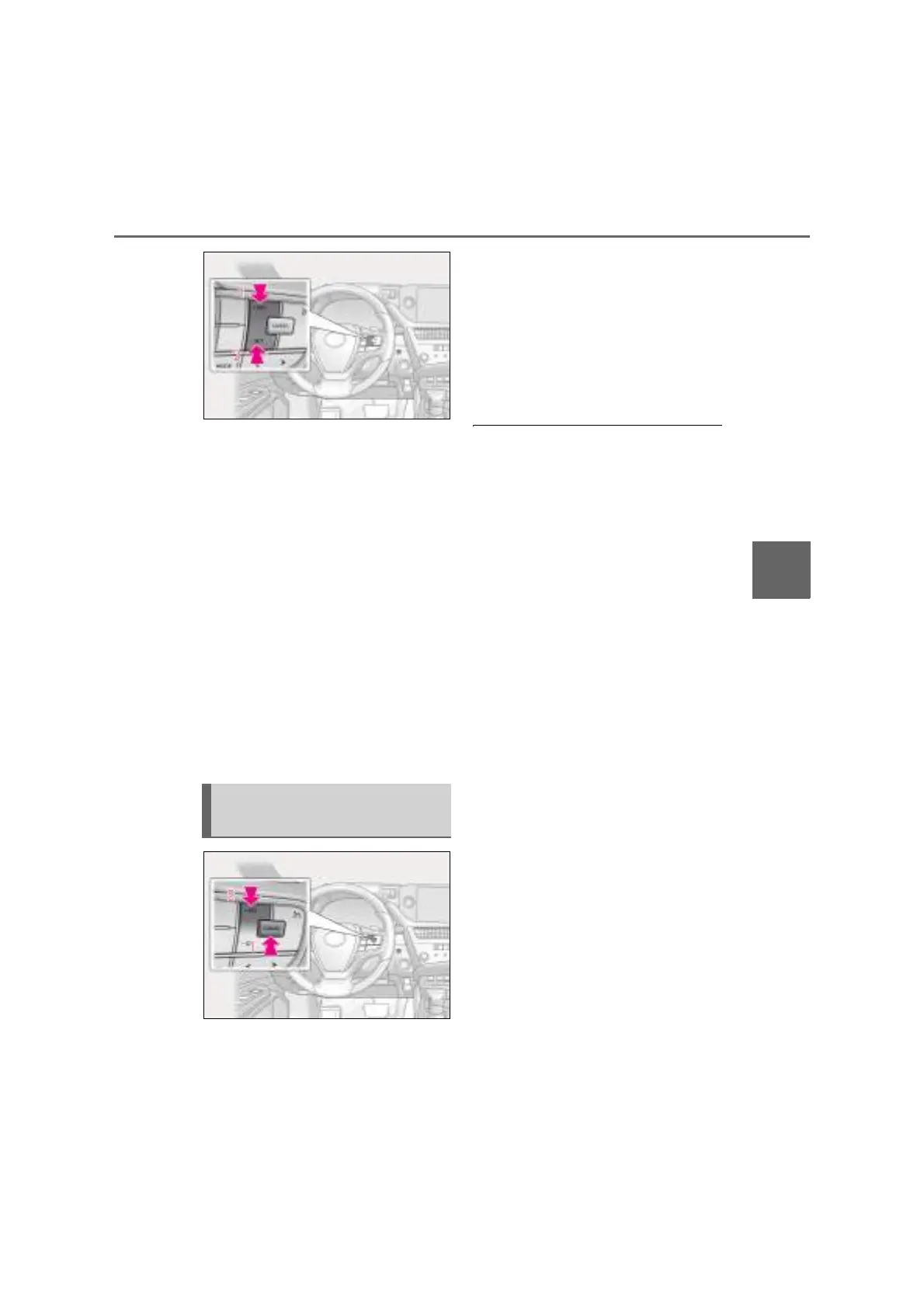
1 Increases the speed
2 Decreases the speed
Fine adjustment: Press the switch.
Large adjustment: Press and hold the
switch to change the speed, and release
when the desired speed is reached.
The set speed will be increased or
decreased as follows:
Fine adjustment: By approximately 1 km/h
(0.6 mph)
*1
or 1 mph (1.6 km/h)
*2
each
time the switch is pressed.
Large adjustment: The set speed can be
increased or decreased continually until
the switch is released.
*1
: When the set speed is shown in “km/h”
*2
: When the set speed is shown in “MPH”
1 Pressing the cancel switch cancels
the constant speed control.
The speed setting is also canceled when
the brakes are applied.
2 Pressing the “+RES” switch
resumes the constant speed con-
trol.
Resuming is available when the vehicle
speed is more than approximately 30
km/h (20 mph).
Q Cruise control can be set when
O The shift lever is in D or range 4 or higher
of S has been selected.
O Range 4 or higher of D has been selected
by using the paddle shift switch.
O Vehicle speed is at or above approxi-
mately 30 km/h (20 mph).
Q Accelerating after setting the vehicle
speed
O The vehicle can be accelerated normally.
After acceleration, the set speed
resumes.
O Even without canceling the cruise con-
trol, the set speed can be increased by
first accelerating the vehicle to the
desired speed and then pressing the “-
SET” switch to set the new speed.
Q Automatic cruise control cancelation
Cruise control will stop maintaining the
vehicle speed in any of the following situa-
tions.
O Actual vehicle speed falls more than
approximately 16 km/h (10 mph) below
the preset vehicle speed.
O Actual vehicle speed is below approxi-
mately 30 km/h (20 mph).
O VSC is activated.
O TRC is activated for a period of time.
O When the VSC or TRC system is turned
off.
Q If the warning message for the cruise
control is shown on the multi-informa-
tion display
Press the cruise control main switch once to
Canceling and resuming the
constant speed control



 To Next Page