324
5-3. Using the air conditioning system
Temperature control switch
Q Adjusting the temperature
Press “” on the switch to increase the
temperature and “” to decrease the
temperature.
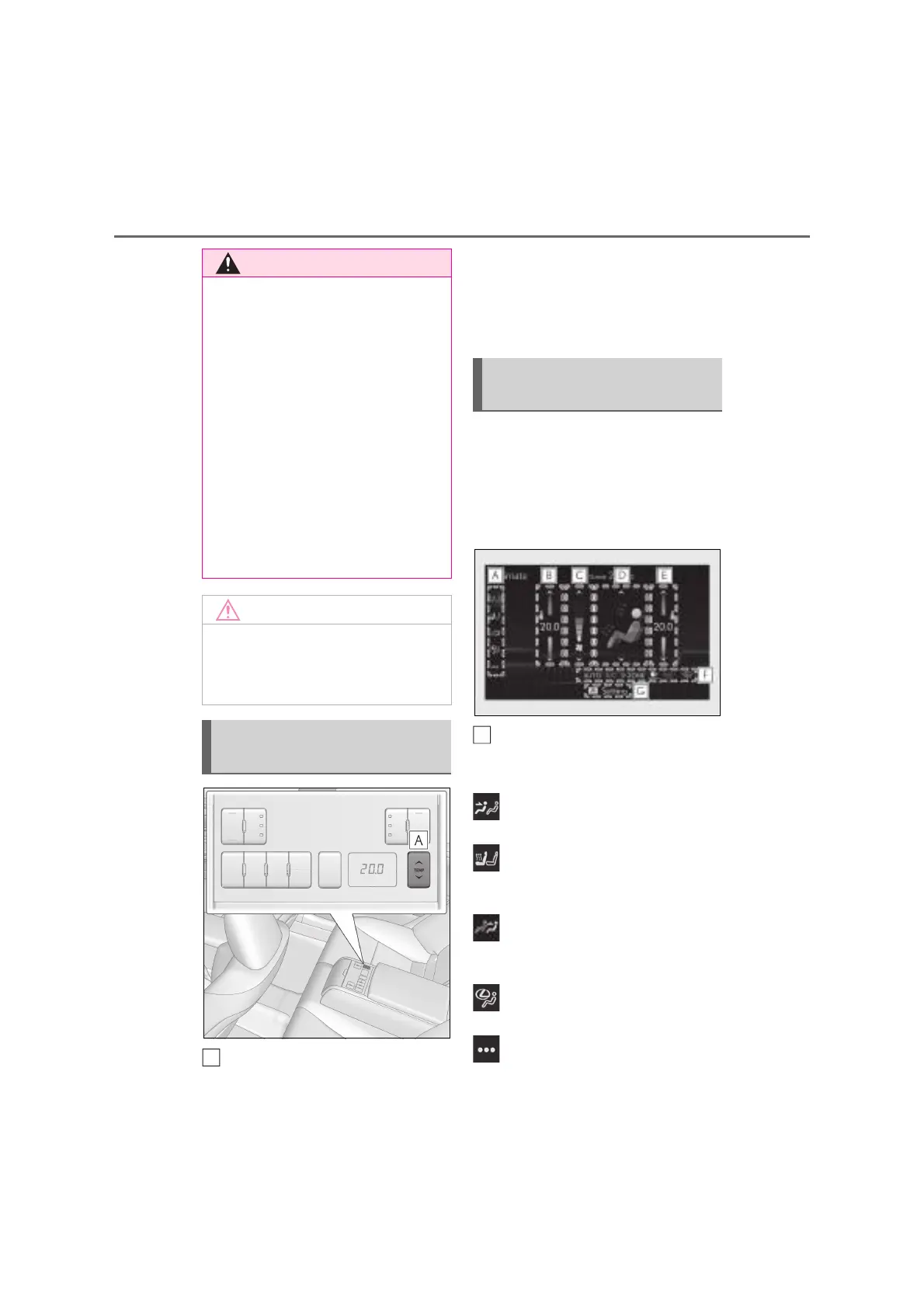
Q Main control screen
Using the touchpad of the Remote
Touch, select the button on the screen.
This system can also be operated by
the touch screen.
Sub menu
Selecting the sub menu item to switch the
main screen.
: Display the air conditioning control
screen
: Display the heated steering wheel (if
equipped)/front seat heater/seat ventila-
tor (if equipped) control screen
(vehicles with “3-ZONE” mode): Dis-
play the rear air conditioning control
screen
: Display the Lexus Climate Con-
cierge control screen
: Display the option control screen
Q To prevent the windshield from fog-
ging up
Do not use the windshield defogger
switch during cool air operation in
extremely humid weather. The difference
between the temperature of the outside
air and that of the windshield can cause
the outer surface of the windshield to fog
up, blocking your vision.
Q When the outside rear view mirror
defoggers (if equipped) or Digital
Side-view Monitor defoggers (if
equipped) are operating
Do not touch the outside rear view mir-
ror surfaces or Digital Side-view Monitor
cameras, as they can become very hot
and burn you.
Q To prevent 12-volt battery discharge
Do not leave the air conditioning system
on longer than necessary when the
hybrid system is off.
Air conditioning controls (rear)
(if equipped)
A
Front air conditioning control
screen
A



 To Next Page