AUDIO
204
Radio operation
(a) Listening to the radio
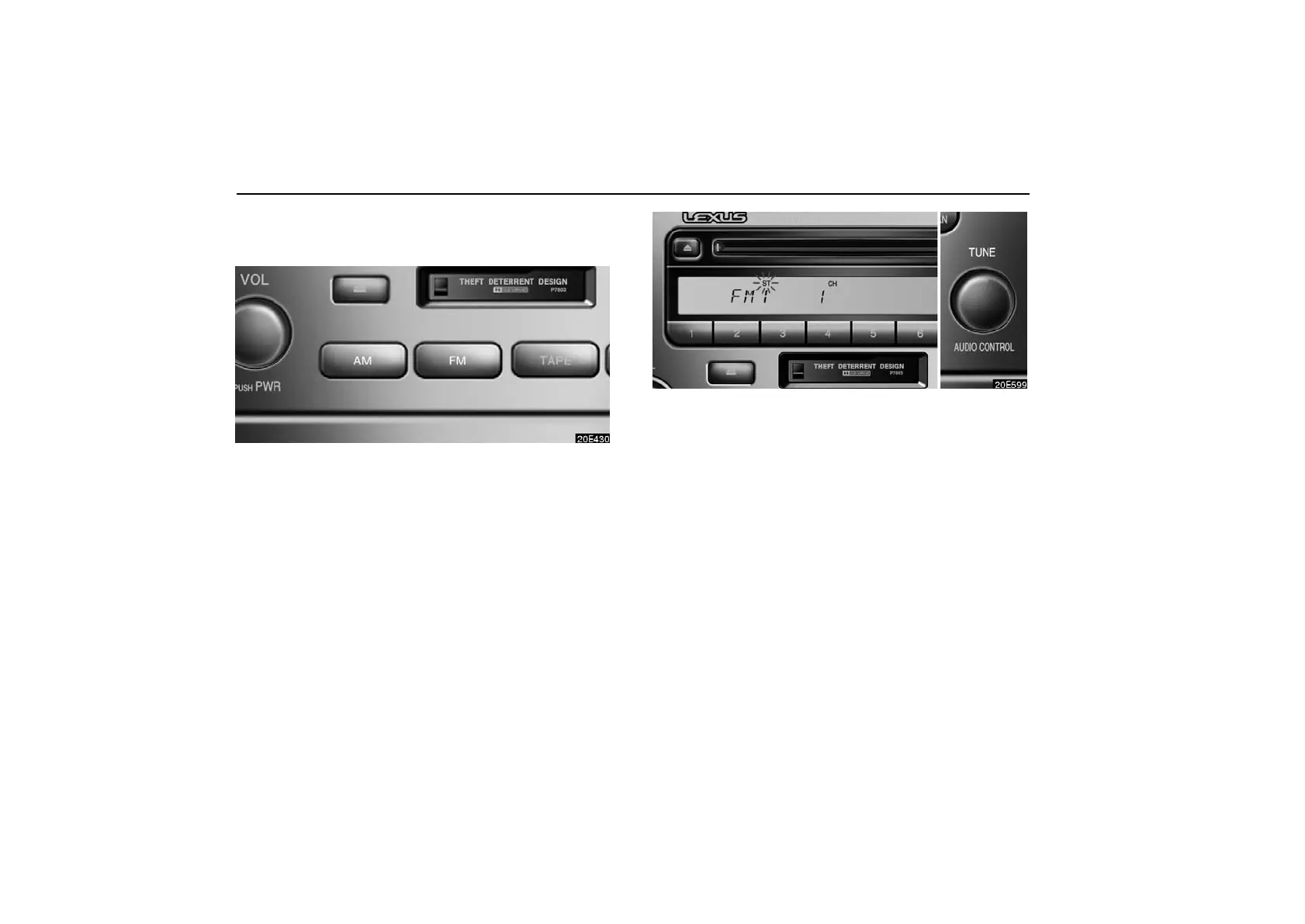
Push the “AM” or “FM” button to choose either an AM or
FM station.
“AM”, “FM1” or “FM2” appears on the display.
Turn this knob to the right to step up the station band or
to the left to step down.
Your radio automatically changes to stereo reception when a
stereo broadcast is received. “ST” appears on the display. If
the signal becomes weak, the radio reduces the amount of
channel separation to prevent the weak signal from creating
noise. If the signal becomes extremely weak, the radio
switches from stereo to mono reception. In this case, “ST”
disappears from the display.



 To Next Page