AUDIO
212
(d) Searching for a desired track or CD
Searching for a desired track:
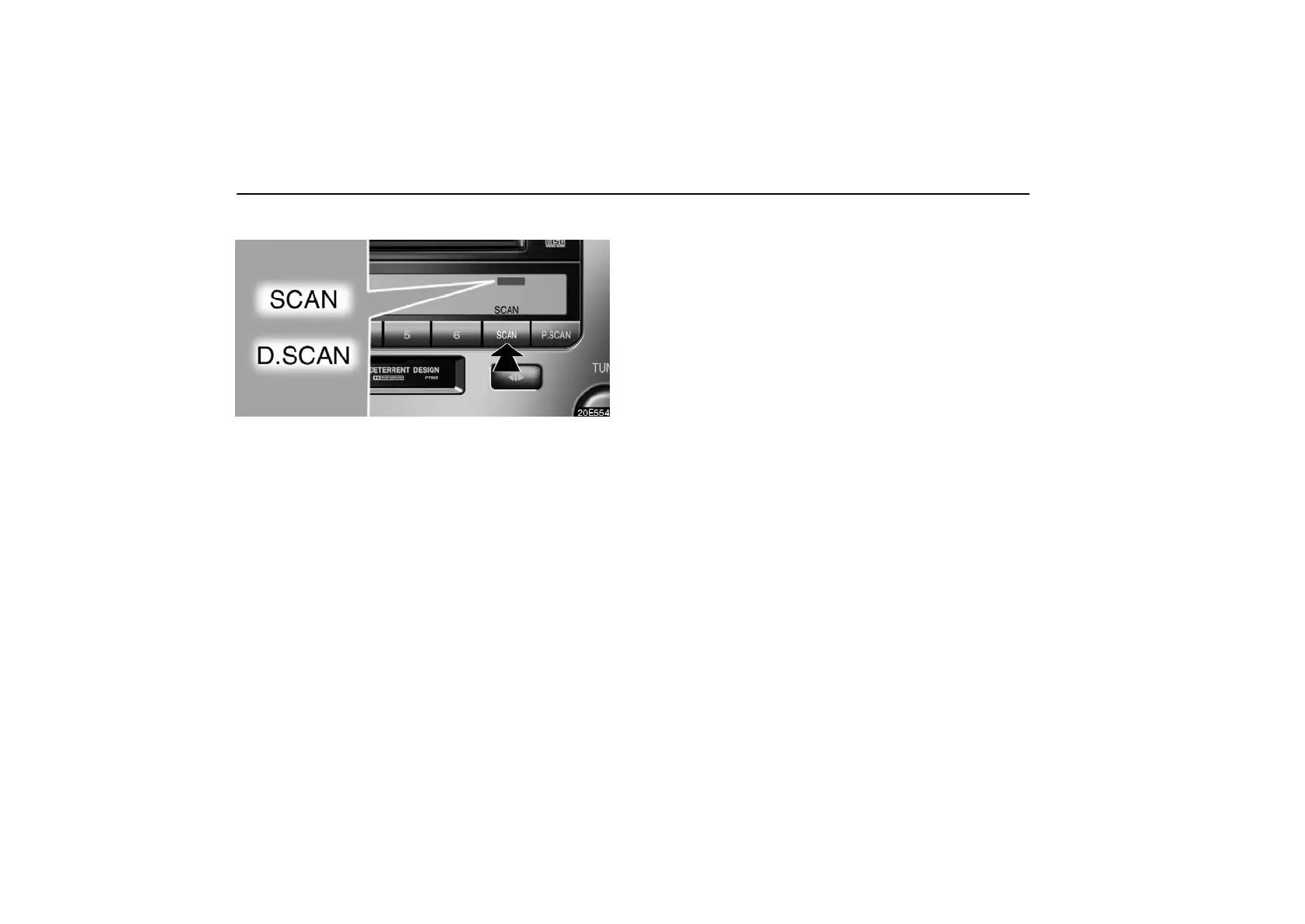
Push the “SCAN” button briefly. “SCAN” will appear on the
display. The CD player will play the next track for 10 seconds,
then scan again. To select a track, push the “SCAN” button a
second time. If the player reaches the end of the CD, it will
continue scanning at track 1.
After all the tracks are scanned in one pass, normal play
resumes.
Searching for a desired CD (with a CD changer only):
Push the “SCAN” button until you hear a beep. With “D.SCAN”
on the display, the program at the beginning of each CD will be
played for 10 seconds. To continue listening to the program of
your choice, push the button a second time.
After all the CD’s in the changer are scanned in one pass, the
scan function is cancelled.



 To Next Page