11
9.2 ALARM SETTING ORDER
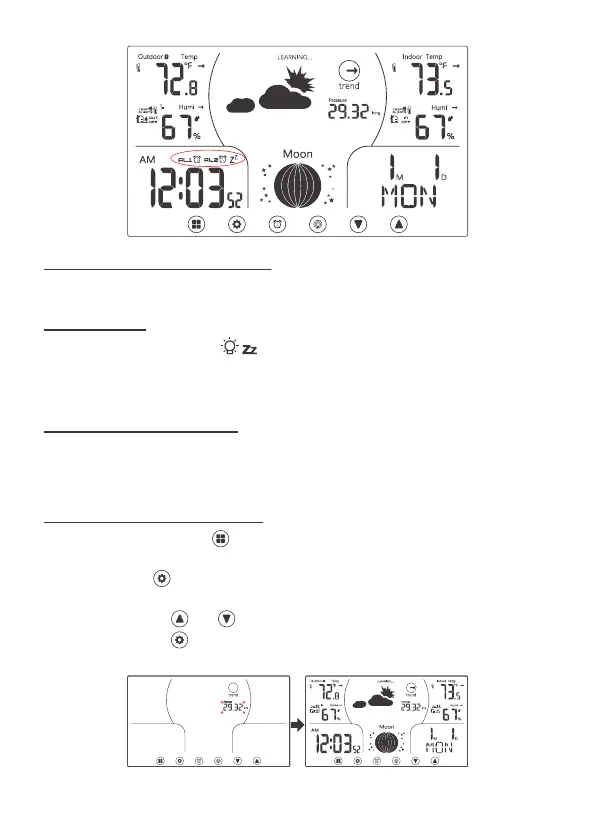
11.1 TO SET THE PRESSURE
AL1 on → AL2 on → AL1 & AL2 on → AL1 & AL2 off.
When the alarm rings, press button to pause the alarm for 5 minutes.
The alarm icon (bell) and Zz icon keep flashing.
Press any button except to silence alarm for 24 hours.
Usually the pressure varies with the different altitude, therefore pressure
setting is allowed for the user to adjust if the user feels that the pressure is not
reasonable.
1. In Normal display, press three times switching to the pressure display
mode.
2. Press and hold over 2s to enter pressure setting mode, pressure value will
be flashing.
3. Press and release and to adjust the values. Hold to adjust quickly.
4. Press and release to confirm and exit the pressure setting and return to
normal display.
10 SNOOZE
11 PRESSURE SETTING



 To Next Page