13
• When armed alert value is reached, station will beep 5 times each minute,
until out of alert range.
• The flashing alert icon will indicate the type of alert HI or LO.
• Press any button to stop the alert from sounding.
All HI/LO temperature/humidity records will reset automatically at 12:00
(midnight) when the corresponding alerts turn on, the alert bell icon will be
shown on the display.
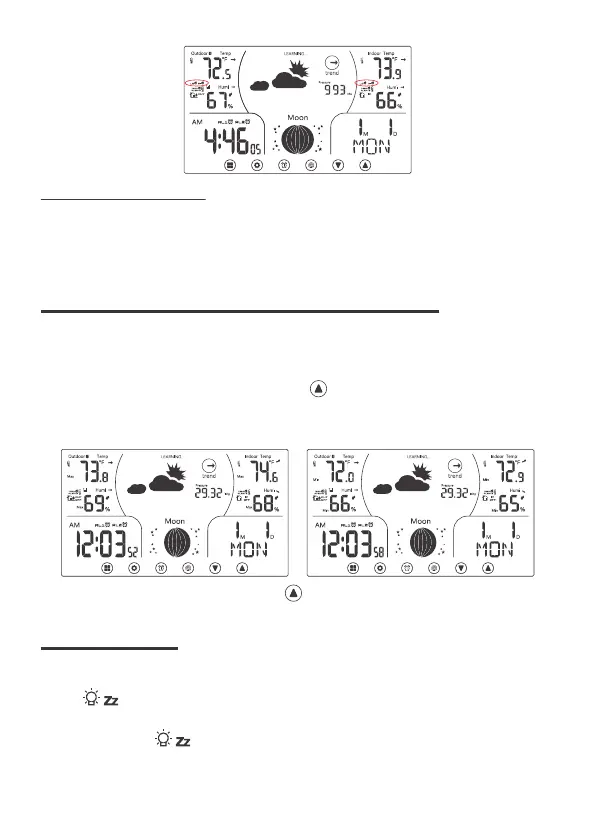
For Normal display, press and release “UP /Mem” to view:
• Maximum indoor & outdoor temperature & humidity.
• Minimum indoor & outdoor temperature & humidity.
For Normal display, press and hold "UP /Mem" to clear the maximum and
minimum indoor and outdoor temperature & humidity record.
• When operating with the power cable, there are 3 levels of brightness for
adjustment.
• Press to adjust backlight.
• When operating on batteries only, the backlight will come on shortly (about
10 seconds) when is pressed.
12.2 Alert Sounds:
13 HI/LO TEMPERATURE & HUMIDITY RECORDS
14 BACKLIGHT



 To Next Page