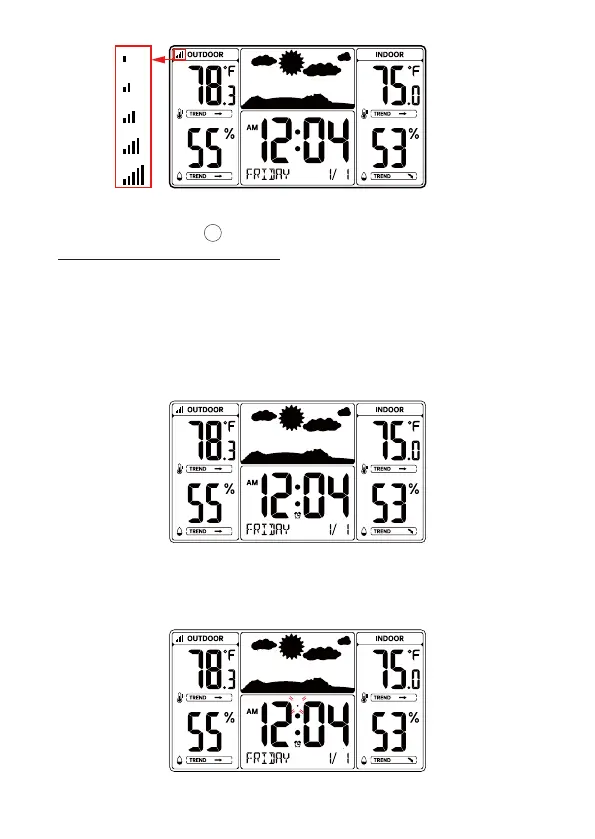
Note: If no sensors is paired, you can pair the sensor again manually by
pressing and holding the 【°C/°F/CH】 key over 2 seconds. Please refer to
“10 SEARCH FOR OUTDOOR SENSOR”.
2). Insert 2 new“AAA”alkaline batteries for the wireless outdoor remote sensor.
3). The wireless remote sensor will transmit the signal and LED will flash during
transmission.
4). Keep the outdoor sensor 5-10 feet from the weather station.
5). When the RF connection is established, the temperature and humidity
readings will appear on the station.
6
14
6). After RF connection was established or 3 minutes pairing time, the weather
station will automatically receive atomic clock signal, the RCC receiving dot icon
“
●”will be flashing.



 To Next Page