32
ENGLISH
The applicable setting options are as shown below.
[All Settings] > [Picture] Explanation
[Picture Mode]
[Custom] Allows the user to adjust each element. The color mode of the main menu can be adjusted.
[Mono] Mono (black and white) color mode.
[Reader] Optimizes the screen for browsing documents. You can brighten the screen in the OSD menu.
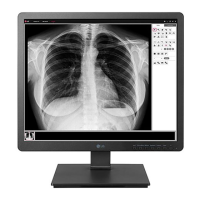
[DICOM] A mode that optimizes the screen settings so you can view images for medical use.
You can brighten the screen in the OSD menu.
[Calibration 1] Configures to the last calibrated (corrected) screen.
[Calibration 2] Configures to a previously calibrated (corrected) screen.
NOTE
• The [Brightness Stabilization] function is configured in the [Custom].
• In DP (DisplayPort) input, if the [Picture Mode] is changed, the screen may flicker or the PC resolution may change.
• [Calibration 2]: If you use Calibration after installing the TRUE COLOR PRO program, the applicable menu will be activated.


 To Next Page
 Loading...