Messaging
54
Messaging
0. Web Alerts
Get alerts from your phone when
Web Messages have arrived.
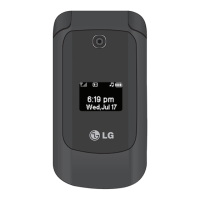
1. Open the flip and press
[MENU]
.
2. Press
Messaging
.
3. Press
Web Alerts
.
*. Templates
Allows you to display, edit, and
add text phrases. These text
strings allow you to reduce
manual text input into messages.
1. Open the flip and press
[MENU]
.
2. Press
Messaging
.
3. Press
Templates
.
#. Settings
Allows you to configure settings
for your messages.
1. Open the flip and press
[MENU]
.
2. Press
Messaging
.
3. Press
Settings
.
4. Use the Navigation Key
to scroll to one of the settings
and press to select it.
Message Settings Sub-Menu
Descriptions
1. All Messages
Auto Save/ Auto Delete/
Entry Mode/ Signature



 To Next Page