6
ENG
ENGLISH
ASSEMBLING AND PREPARING
Mounting on a table
1
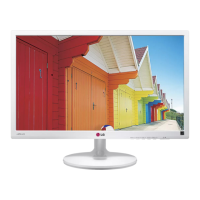
Lift and tilt the Monitor set into its upright
position on a table.
Leave a 10 cm (minimum) space from the wall
for proper ventilation.
2
Connect the AC-DC Adapter and Power Cord
to a wall outlet.
3
Press (Power) button on the bottom switch
panel to turn the power on.
10 cm
10 cm
10 cm
10 cm
Unplug the power cord before moving the
Monitor to another location. Otherwise electric
shock may occur.
CAUTION
or
Using the cable holder
1
Fix the cable holder to stand body.
2
Put the cables into the cable holder .


 To Next Page