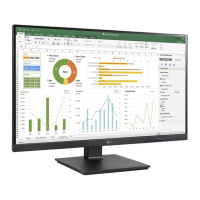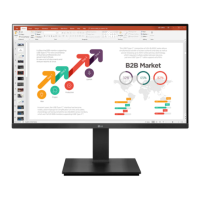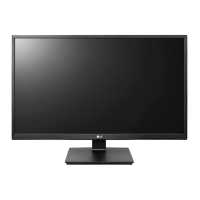
EasyManua.ls Logo

LG 24BK55YP - User Manual

LG 24BK55YP
31 pages
Print Icon
To Next Page IconTo Next Page
Loading...
www.lg.com
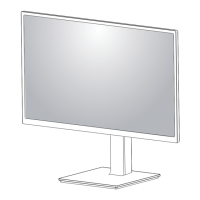
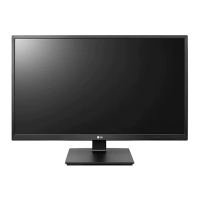
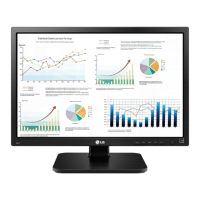
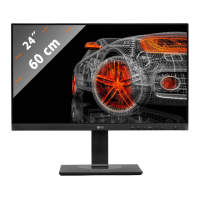
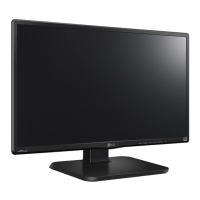
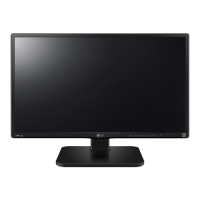
IPS LED MONITOR MODEL
Please read this manual carefully before operating
your set and retain it for future reference.
OWNER'S MANUAL
IPS LED MONITOR
(LED MONITOR*)
*LG LED Monitors are LCD Monitors with LED Backlighting.
24BK550Y
27BK550Y
24BK55YP
27BK55YP

Other manuals for LG 24BK55YP

Questions and Answers

  • T
    Todd DavisAug 11, 2025
    What to do if I see an "Unrecognized monitor, Plug&Play (VESA DDC) monitor found" message on my LG 24BK55YP Monitor?
    • M
      Mrs. Alexandra Smith PhDAug 11, 2025
      If your LG Monitor displays a message like "Unrecognized monitor, Plug&Play (VESA DDC) monitor found," ensure you install the latest display driver from the LG website. Also, verify that your video card supports the Plug&Play function.
  • B
    brittany65Aug 18, 2025
    How to fix an LG 24BK55YP Monitor when no image appears?
    • S
      Sean StevensonAug 18, 2025
      If no image appears on your LG Monitor, first, check that the power cord is correctly connected to the power outlet. Then, press the Power button. If the monitor displays 'NO SIGNAL', ensure the signal cable between your PC and the monitor is securely connected. If the monitor is in DPM (Display Power Management) mode with the power LED off, press the DC button twice to wake up the screen. If the signal from the PC (video card) is out of horizontal or vertical frequency range of the display, see the 'Specifications' section of this manual and configure your display again.
  • J
    Joshua GreenAug 26, 2025
    Why is the display image incorrect on my LG Monitor?
    • B
      barbara95Aug 26, 2025
      If the display image on your LG Monitor is incorrect, ensure the signal cable is properly connected, tightening it with a screwdriver if necessary. Also, confirm that the video card is correctly inserted in its slot. Set the color setting higher than 24 bits (true color) in Control Panel settings. Finally, check if the screen is set to interlace mode; if it is, change it to the recommended resolution.
  • D
    dfloresSep 3, 2025
    How to unlock OSD controls on LG Monitor?
    • T
      tonytaylorSep 3, 2025
      If you can't control some functions in the OSD (On-Screen Display) of your LG Monitor, you can unlock the OSD controls by entering the OSD lock menu and changing the items to 'off'.

LG 24BK55YP Specifications

General IconGeneral
Screen Size24 inches
Panel TypeIPS
Brightness250 cd/m²
Contrast Ratio1000:1
Response Time5 ms (GTG)
Refresh Rate60 Hz
VESA Mount CompatibleYes (100 x 100 mm)
Aspect Ratio16:9
Built-in SpeakersNo
Color GamutsRGB 99%
PortsHDMI, D-Sub, DisplayPort
Viewing Angle178°/178°
Resolution1920 x 1080 (Full HD)

Related product manuals