ENGLISH
33
CUSTOMIZING TV SETTINGS
Customizing Settings
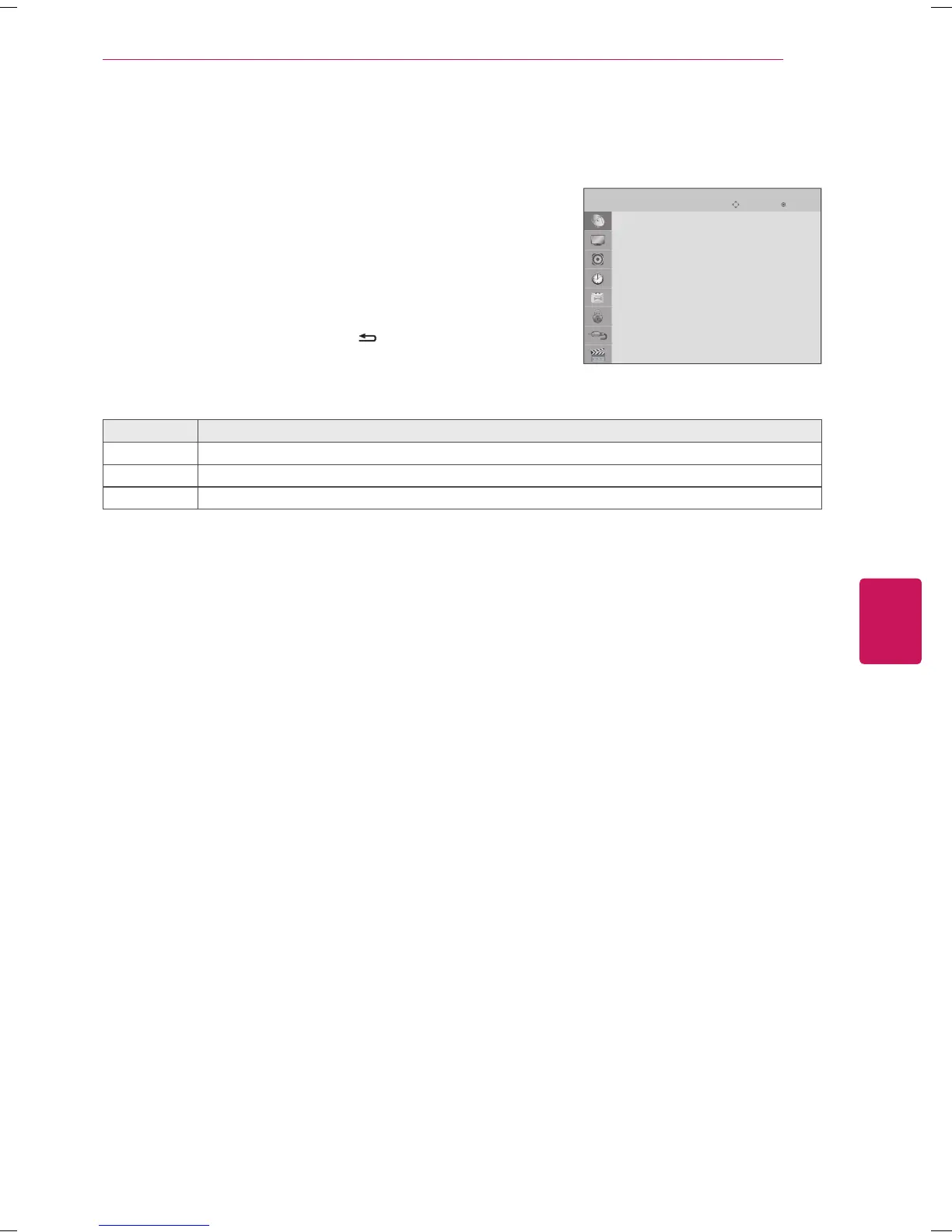
SETUP Settings
1
Press
SETTINGS
to access the main menus.
2
Press the Navigation buttons to scroll to
SETUP
and press
OK
.
3
Press the Navigation buttons to scroll to the setting or option you want
and press
OK
.
- To return to the previous level, press
BACK
.
4
When you are finished, press
EXIT
.
The available channel settings are described in the following.
Setting Description
Auto Tuning Tunes and stores all available channels through antennas or cable inputs. (See p. 19)
Manual Tuning Tunes and stores the channels you want manually. (See p. 19)
Channel Edit Adds or deletes channels on the channel. (See p. 19)


 To Next Page