12
ENG
ENGLISH
Installing onto a table
Lift the monitor and place it on the table in an upright
position.
Place at least 100 mm (3.94 inches) away from the
wall to ensure sufficient ventilation.
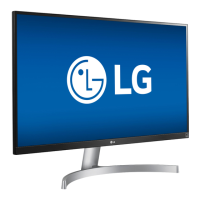
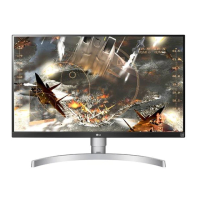
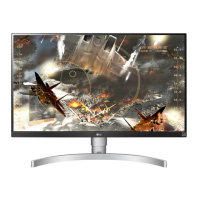
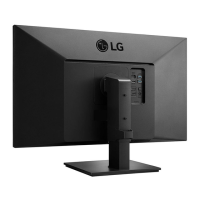
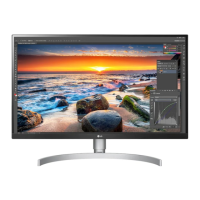
27UK600
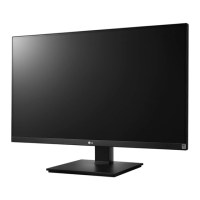
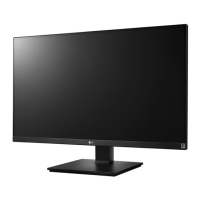
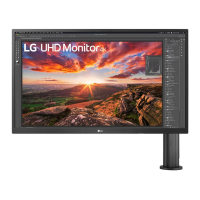
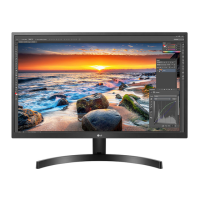
27UK650
100 mm
(3.94 inches)
100 mm
(3.94 inches)
100 mm
(3.94 inches)
100 mm
(3.94 inches)
Adjusting the angle
1
Place the monitor in an upright position, mounted
on the stand base.
2
Adjust the angle of the screen. The angle of the
screen can be adjusted forwards or backwards for a
comfortable viewing experience.
Front Side
Front Side
Rear Side
Rear Side
27UK600
27UK650
15° -5°
15° -5°
100 mm
(3.94 inches)
100 mm
(3.94 inches)
100 mm
(3.94 inches)
100 mm
(3.94 inches)


 To Next Page
 Loading...