Media
40
Media
2. Wallpaper
Allows you to download new
Wallpaper. Use this menu when
you want to get another
wallpaper other than the default
wallpapers in
Display ->
Wallpaper menu.
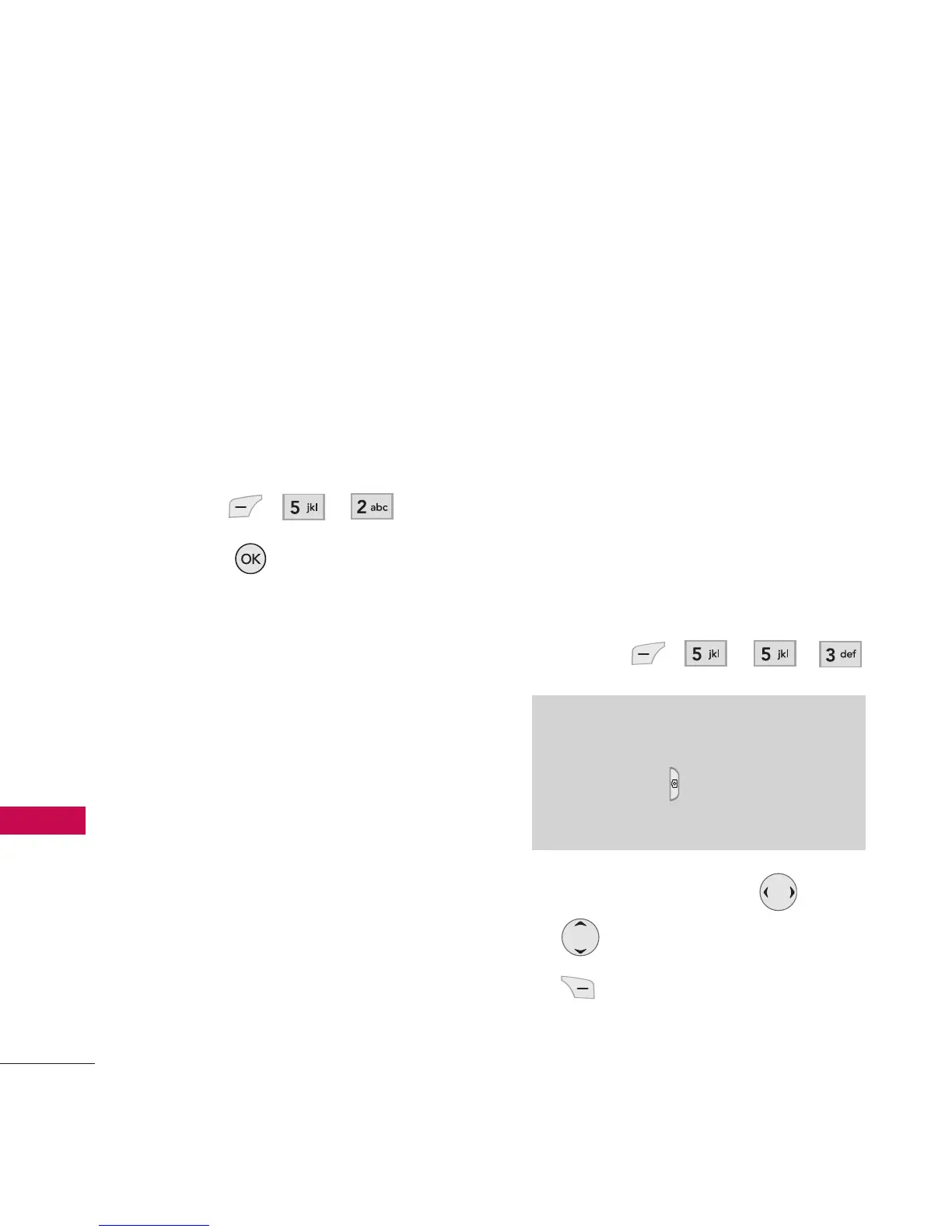
1. Press , , .
2. Press
[Get New].
3. When connected to the
application homepage and
you download wallpapers, the
downloaded files are located
under
Media -> Wallpaper.
4. The following options are
available:
l
Set As Main Wallpaper/
Front Wallpaper/
Picture ID
l
Erase Deletes the selected
file.
l
Rename Rename the
selected file.
l
Erase All Deletes all the
selected files.
l
File info Displays the
information of the
files.
3. Camera
View and take your digital
pictures right from your wireless
phone.
1. Press , , , .
2. Set the brightness , zoom
, and press Right Soft Key
[Options] to change other
settings.
Note
Pressing and holding the Side
Camera Key from standby
mode is a hot key to Take Photo.



 To Next Page