59
Settings
3. Select the desired shortcut
and press .
6.2 Call Setup
6.2.1 Call Answer
Allows you to determine how to
handle an incoming call.
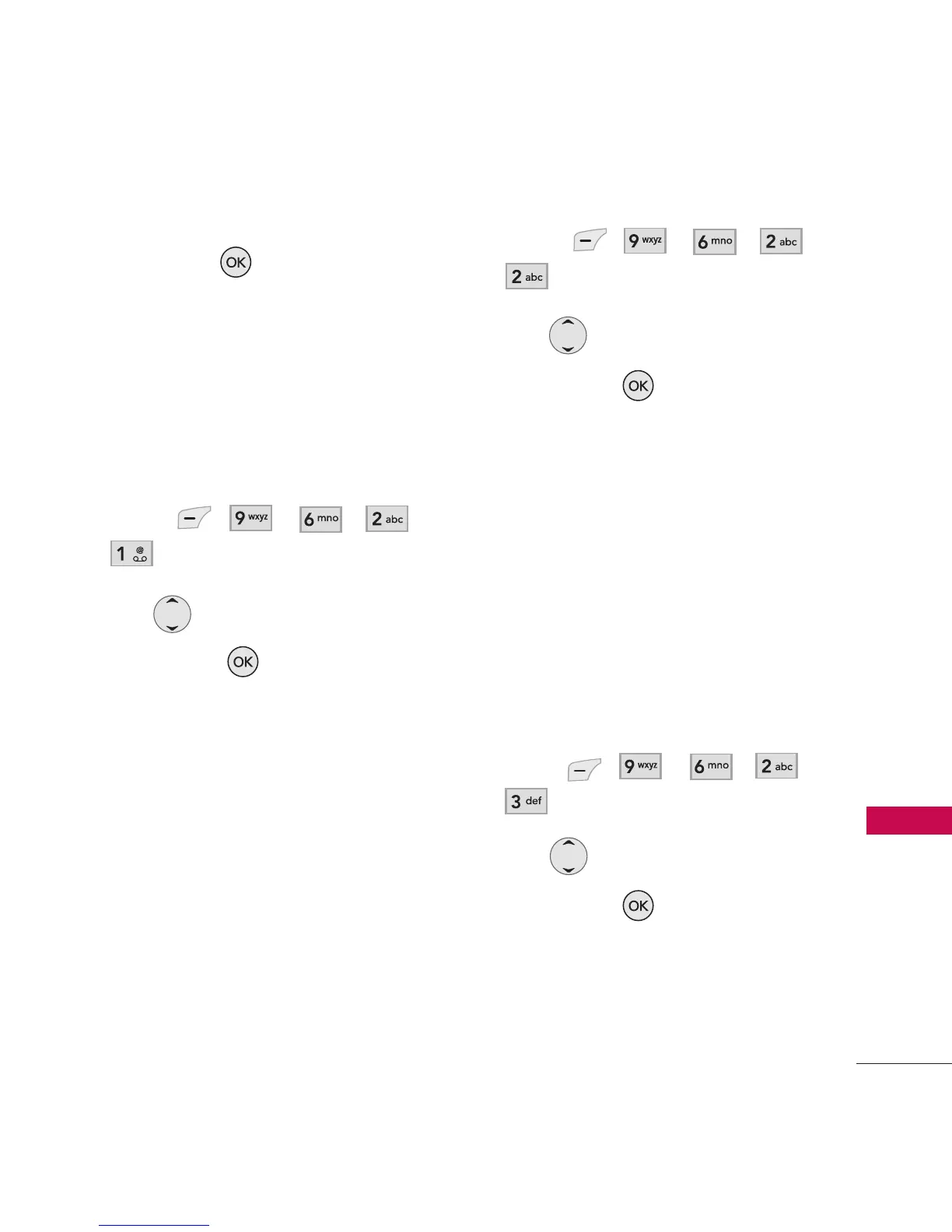
1. Press , , , ,
.
2. Use to select a setting,
then press .
SEND Key/ Any Key/ Flip Open
6.2.2 Auto Answer
Allows you to set the length of
the time before the phone
automatically answers a call.
This feature is intended for use
with hands free devices, but is
an independent feature of the
phone and must be manually
turned on/off when connected or
disconnected from the device.
1. Press , , , ,
.
2. Use to select a setting,
then press .
Off/ 2 Seconds/ 4 Seconds/
8 Seconds
6.2.3 Auto Prepend
This option will automatically
prepend 1 when dialing 10 digit
numbers. However 1 will not
prepend when dialing numbers
that has less than 10 digits.
1. Press , , , ,
.
2. Use to select a setting,
then press .
On/ Off



 To Next Page