53
Settings
2.2 Wallpaper
Allows you to choose the kind of
background to be displayed on
your phone.
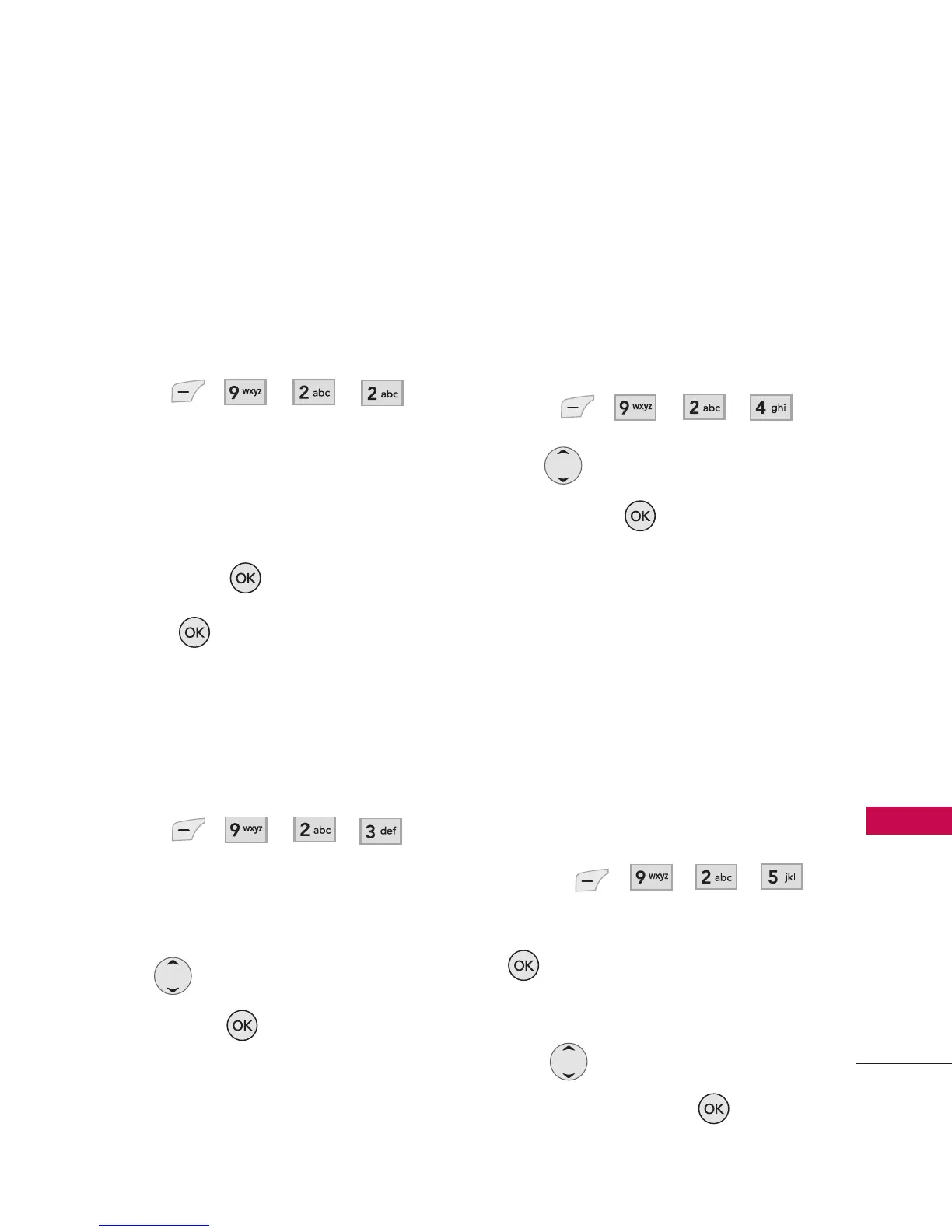
1. Press , , , .
2. Select
Main Wallpaper/ Front
Wallpaper.
3. Select from different images,
then press .
4. Press .
2.3 Backlight
Allows you to set the duration for
illuminating the LCD backlight.
1. Press , , , .
2. Select
Main Backlight/ Front
Backlight.
3. Use to select a setting,
then press to save the
change.
7 Seconds/ 15 Seconds/ 30
Seconds
/ Always On/ Always Off
2.4 Keypad Light
Allows you to set the duration for
illuminating the phone's keypad.
1. Press , , , .
2. Use to select a setting,
then press to save the
change.
7 Seconds/ 15 Seconds/
30 Seconds/ Always On/
Always Off
2.5 Time and Date
Allows you to choose the clock
format displayed on the LCD
screen.
1. Press , , , .
2. Choose a sub-menu and press
.
Main Clock/ Front Clock
3. Use to select the clock
format, then press .



 To Next Page