55
Settings
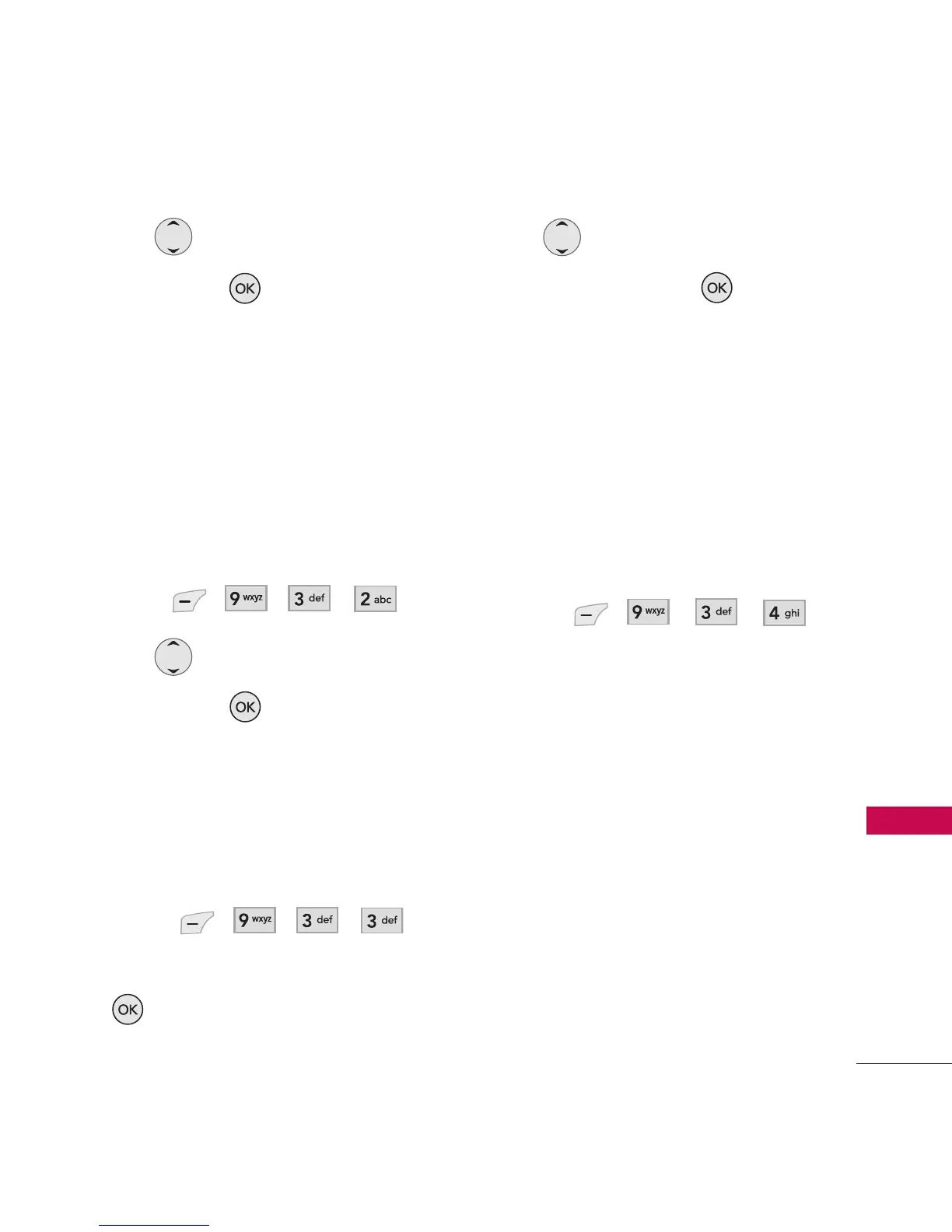
2. Use to select a setting,
then press to save the
change.
7 Seconds/ 15 Seconds/
30 Seconds/ Always On/
Always Off
3.2 Volume
Allows you to set volume
settings.
1. Press , , , .
2. Use to adjust the volume,
then press to save the
change.
3.3 Notifications
Allows you to set notification
settings.
1. Press , , , .
2. Select a sub-menu and press
.
Voice Mail/ Messages
3. Use to set the alert
setting, then press to save
the change.
On/ Off
3.4 Others
Displays or deletes the list of
files created by downloaded
JAVA contents.
1. Press , , , .
4. Bluetooth
®
The LG 285 is compatible with
devices that support the
Bluetooth
®
headset and hands-
free profile(s). You may create and
store 20 pairings within the
LG 285 and connect to one device
at a time. The approximate
communication range for
Bluetooth
®
wireless technology is
up to 30 feet (10 meters).
Bluetooth QD ID B012733



 To Next Page