28
ENGLISH
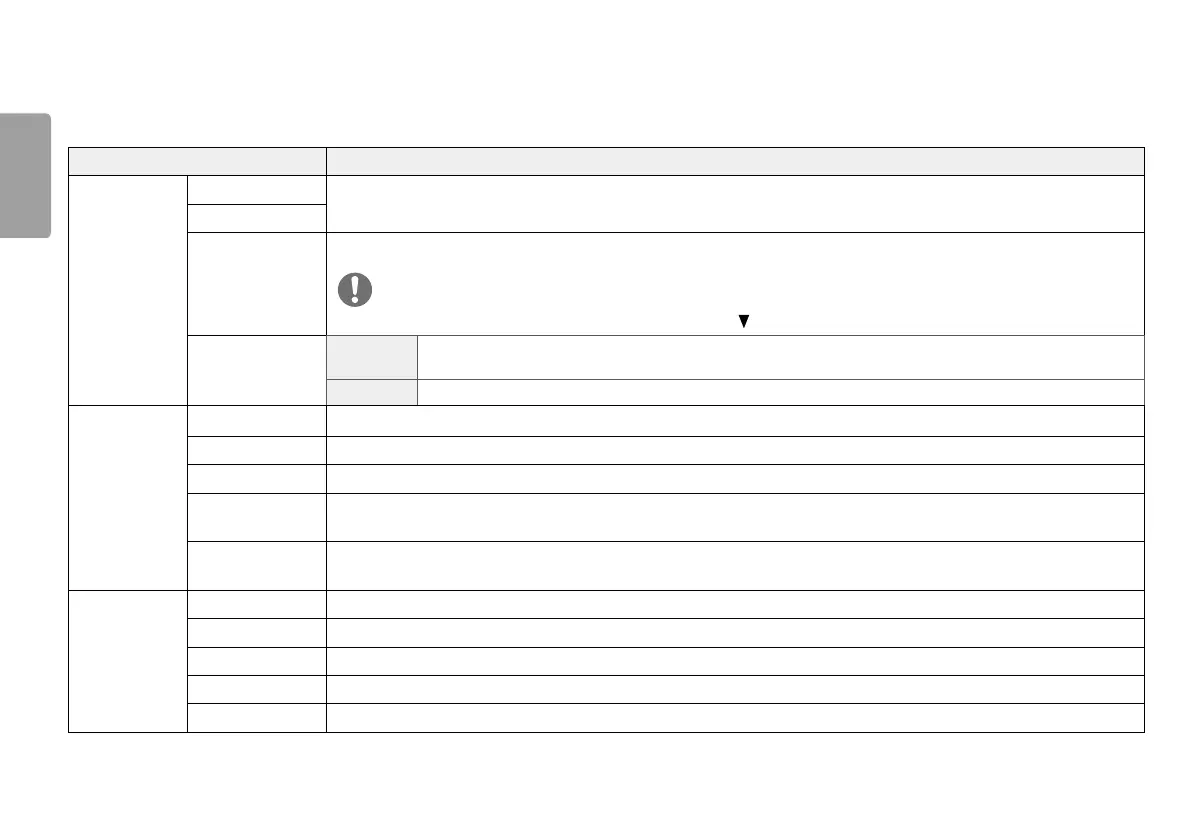
Each option is described below.
Menu Description
Quick Settings Brightness
Adjusts the color contrast and brightness of the screen.
Contrast
Volume Adjusts the volume level.
NOTE
• You can adjust Mute / Unmute by moving the joystick button to in the Volume menu.
MaxxAudio
On MaxxAudio
®
by Waves, recipient of a Technical GRAMMY Award
®
is a suite of studio-quality sound tools for a
superior listening experience.
Off Disables the MaxxAudio function.
Input Main Input List Selects the input mode.
Aspect Ratio Adjusts the aspect ratio of the screen.
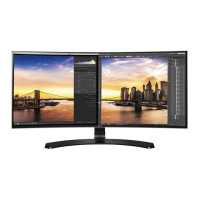
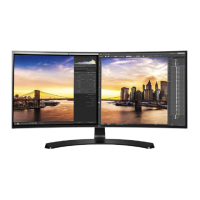
PBP Displays the screens of two input modes on one monitor.
Main/ Sub Screen
Change
Toggles between the main screen and sub screen in PBP mode.
Main/ Sub Sound
Change
Toggles between the audio of the main screen and sub screen in PBP mode.
Picture Picture Mode Changes the picture mode to the one optimized for a given feature.
Picture Adjust Adjusts the Brightness, Contrast, Sharpness, SUPER RESOLUTION+, Black Level, and DFC.
Game Adjust Adjusts the Response Time, FreeSync, and Black Stabilizer.
Color Adjust Adjusts the Gamma, Color Temp, Red, Green, Blue, and Six Color.
Picture Reset Returns picture to the default settings.



 To Next Page