EasyManua.ls Logo

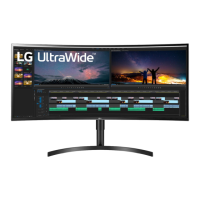
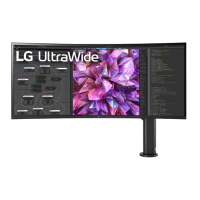
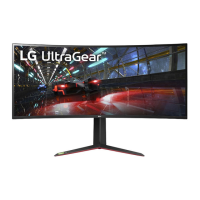
LG 38BR85QC - User Manual

LG 38BR85QC
12 pages
Print Icon
To Next Page IconTo Next Page
Loading...
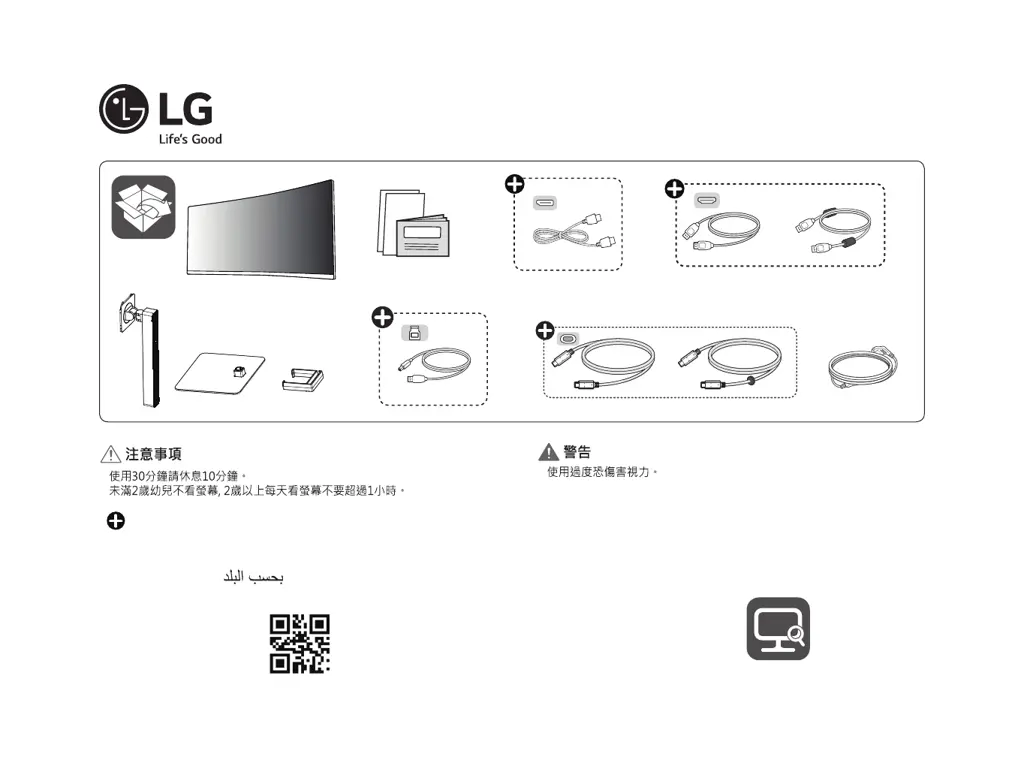
LED LCD Monitor (LED Monitor)
38WR85QC
38BR85QC
www.lg.com
*MBM65461166*
(2310-REV01)
or
or
Depending on country / Selon le pays / En función del país / Consoante o país / Abhängig vom Land / Závisí na zemi / W zależności od kraju /
Zavisno od zemlje / V závislosti od krajiny / A seconda del paese / Ülkeye bağlı olarak / Afhængigt af land / Avhengig av land / Beroende på land /
Maasta riippuen / În funcţie de ţară / В зависимости от страны / Залежно від країни / Mamlakatga bog‘liq / Tùy theo quốc gia / Tergantung pada
negaranya / 視國家 /

Questions and Answers

  • C
    coreypatelAug 10, 2025
    How to fix no sound from headphone port on LG 38BR85QC?
    • T
      thompsonwilliamAug 10, 2025
      Make sure the headphone port connections are properly made. Also, try increasing the volume using the joystick. Finally, ensure that the audio output of your PC is set to the LG monitor you are using; the exact settings may vary depending on your operating system.
  • M
    Mallory DominguezAug 15, 2025
    Why does my LG 38BR85QC Monitor say 'out of range'?
    • E
      Erika VillanuevaAug 15, 2025
      This issue occurs when the signals sent from your PC's graphics card are outside of the monitor's supported horizontal or vertical frequency range. Refer to the Product Specification section of this manual to configure the appropriate frequency settings.
  • J
    John JonesAug 20, 2025
    What to do if my LG Monitor is unrecognized?
    • Y
      yarmstrongAug 20, 2025
      Be sure to install the display driver from the display driver CD (or diskette) that comes with your display. Or, you can also download the driver from our web site: http://www.lg.com. Make sure to check if the graphics card supports Plug and Play function.
  • T
    Tanya HuangAug 25, 2025
    Why are there spots on my LG 38BR85QC Monitor screen?
    • D
      Darrell CallahanAug 26, 2025
      When using the monitor, you might notice small colored spots (red, green, blue, white, or black) on the screen. This is normal for an LCD screen and does not indicate an error or affect the monitor's performance.
  • J
    Justin MckinneyAug 30, 2025
    Why does image sticking occur on my LG 38BR85QC?
    • D
      Deanna SmithAug 31, 2025
      Displaying a still image for an extended period can cause damage to the screen, resulting in image retention. To prolong the monitor's lifespan, use a screensaver.
  • E
    Eric ArnoldSep 5, 2025
    How to unlock the menu on my LG Monitor?
    • M
      mary07Sep 5, 2025
      Disable OSD Lock in the General settings of your LG monitor.

LG 38BR85QC Specifications

General IconGeneral
Screen Size38 inches
Resolution3840 x 1600
Panel TypeIPS
Refresh Rate144Hz
Aspect Ratio21:9
Contrast Ratio1000:1
Response Time1ms (GtG)
HDRHDR10
Curvature2300R
Brightness450 cd/m²
ConnectivityHDMI, DisplayPort, USB-C
VESA Mount CompatibleYes
Ports2 x HDMI, 1 x DisplayPort, 1 x USB-C, 2 x USB 3.0
AdjustabilityHeight, Tilt

Related product manuals