PICTURE CONTROL
50
Set by program
Selects the proper picture proportion to match the source’s image.
4:3
Choose 4:3 when you want to view a picture with an original 4:3 aspect ratio.
16:9
Adjust the picture horizontally, in a linear proportion to fill the entire screen.
This feature lets you choose the way an analog picture with a 4:3 aspect ratio is dis-
played on your TV. When you receive an analog picture with a 4:3 aspect ratio on
your 16:9 TV, you need to specify how the picture is to be displayed.
■
RGB-PC input source use 4:3 or 16:9 aspect ratio.
PICTURE SIZE (ASPECT RATIO) CONTROL
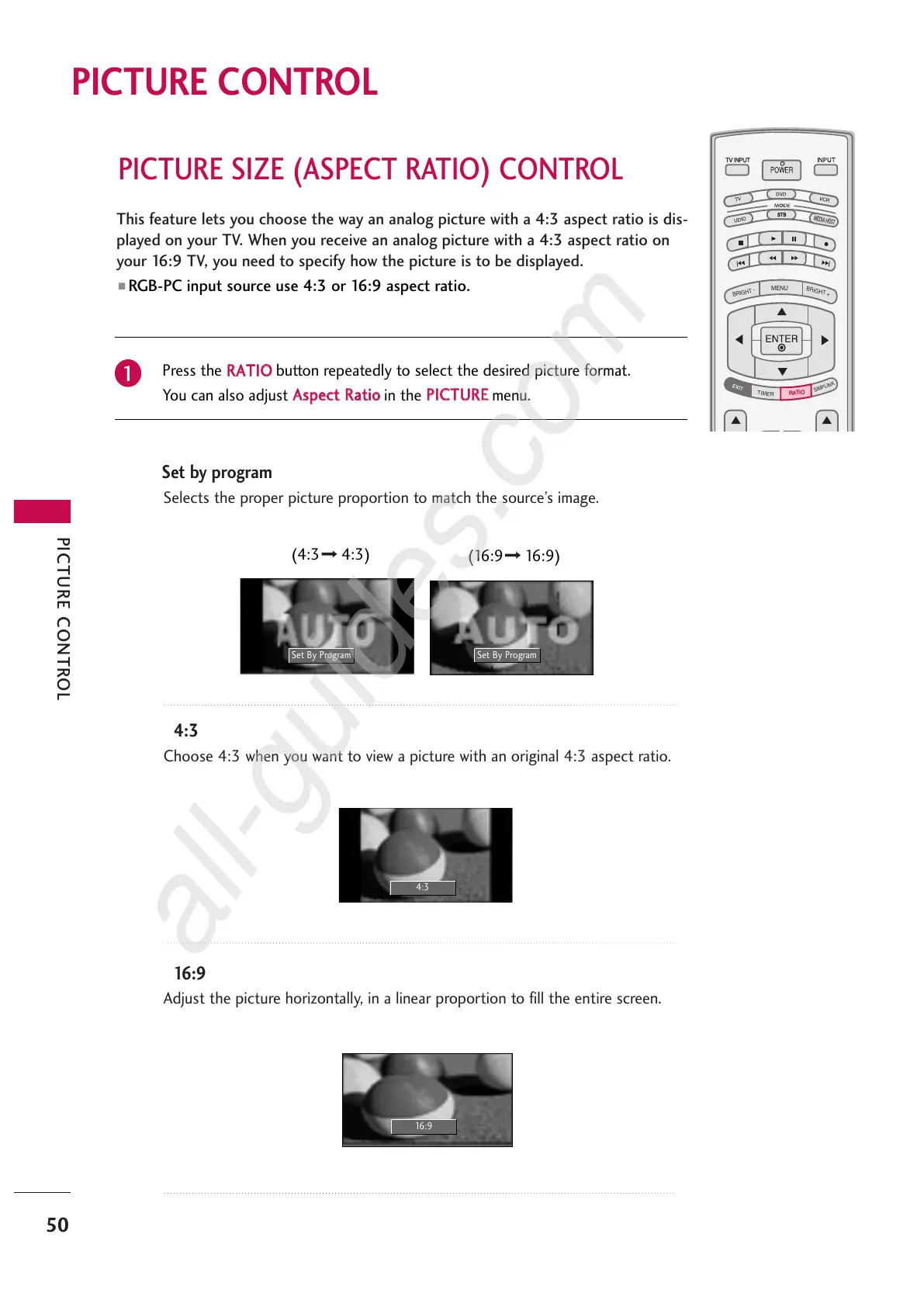
Press the
RRAATTIIOO
button repeatedly to select the desired picture format.
You can also adjust
AAssppeecctt RRaattiioo
in the
PPIICCTTUURREE
menu.
1
Set By Program
4:3
16:9
Set By Program
(4:3 4:3)
(16:9 16:9)



 To Next Page