Operation
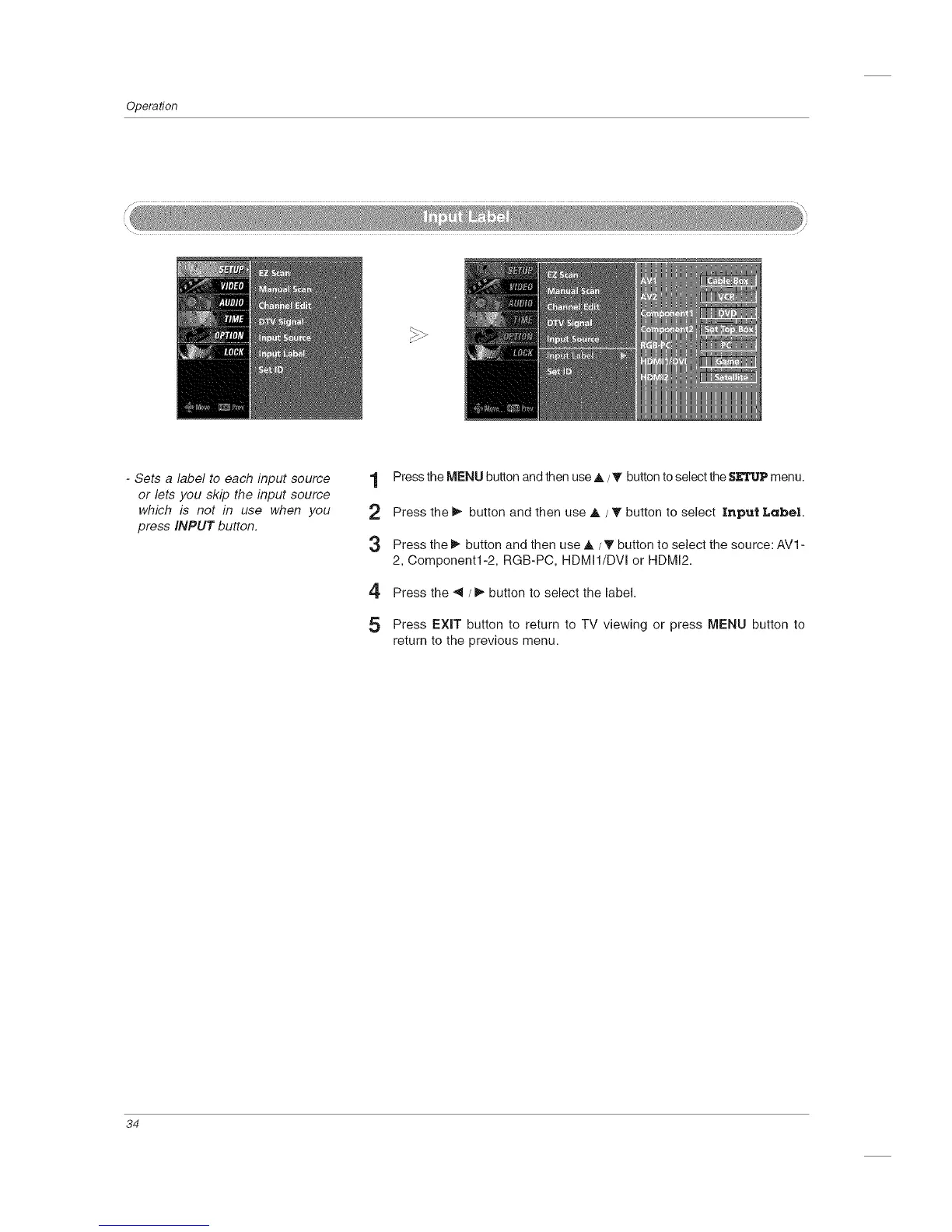
- Sets a label to each input source
or lets you skip the input source
which is not in use when you
press INPUT button.
1 Press the MENU button and then use A /_' button to select the SETUPmenu.
2 Press the 1_ button and then use A / T button to select Input Label
:3 Press the I_ button and then use A / T button to select the source: AV1 -
2, Component1-2, RGB-PC, HDMI1/DVI or HDMI2.
4 Press the _1 / 1_button to select the label.
5 Press EXIT button to return to TV viewing or press MENU button to
return to the previous menu.
34



 To Next Page