Operation
Timer function operates only if 1
current time has been set.
2
- Off-Timer function overrides On-
Timer function if they are set both
set to the same time.
The TV must be in standby mode
for the On-Timer to work.
- If you do not press any button
within 2 hours after the TV turns
on with the On Timer function,
the TV will automatically revert to
standby mode.
3
4
5
6
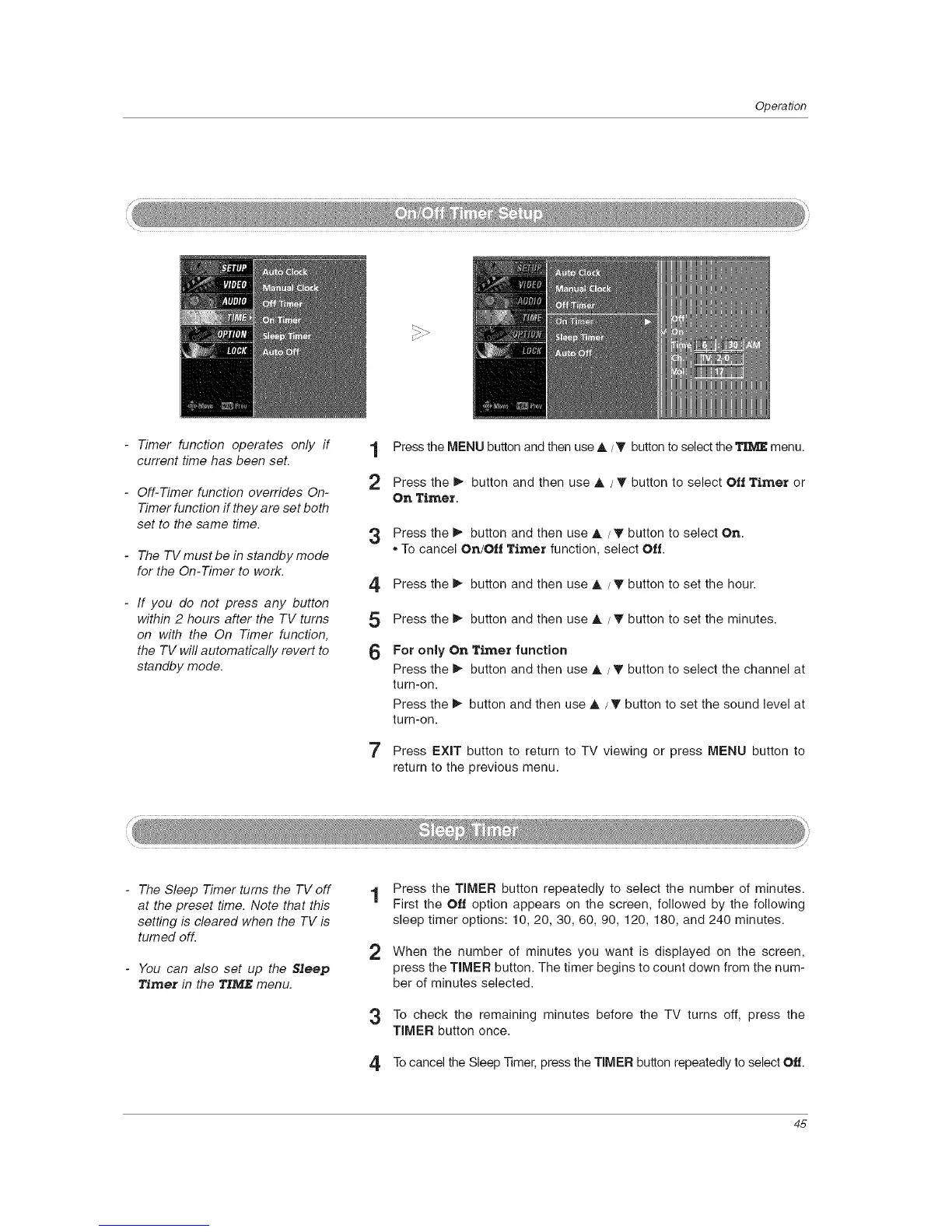
Press the MENU button and then use A/_' button to select the TI_/J_menu.
Press the I_ button and then use ,& / T button to select Ott Timer or
On Timer.
Press the _ button and then use A / T button to select On.
,, To cancel On/Oil Timer function, select Off.
Press the _ button and then use ,& / T button to set the hour.
Press the I_ button and then use ,& / _' button to set the minutes.
For only On Timer function
Press the _ button and then use A / _' button to select the channel at
turn-on.
Press the _ button and then use A / _' button to set the sound level at
turn-on.
7 Press EXIT button to return to TV viewing or press MENU button to
return to the previous menu.
- The Sleep Timer turns the TV off
at the preset time. Note that this
setting is cleared when the TV is
turned off.
- You can also set up the $Jeep
Timer in the TIME menu.
1 Press the TIMER button repeatedly to select the number of minutes.
First the Off option appears on the screen, followed by the following
sleep timer options: 10, 20, 30, 60, 90, 120, 180, and 240 minutes.
2 When the number of minutes you want is displayed on the screen,
press the TIMER button. The timer begins to count down from the num-
ber of minutes selected.
3 To check the remaining minutes before the TV turns off, press the
TIMER button once.
4 Tocancel the Sleep Timer, press the TIMER button repeatedly to select Off.
45



 To Next Page