Operation
Setup Menu Options continued
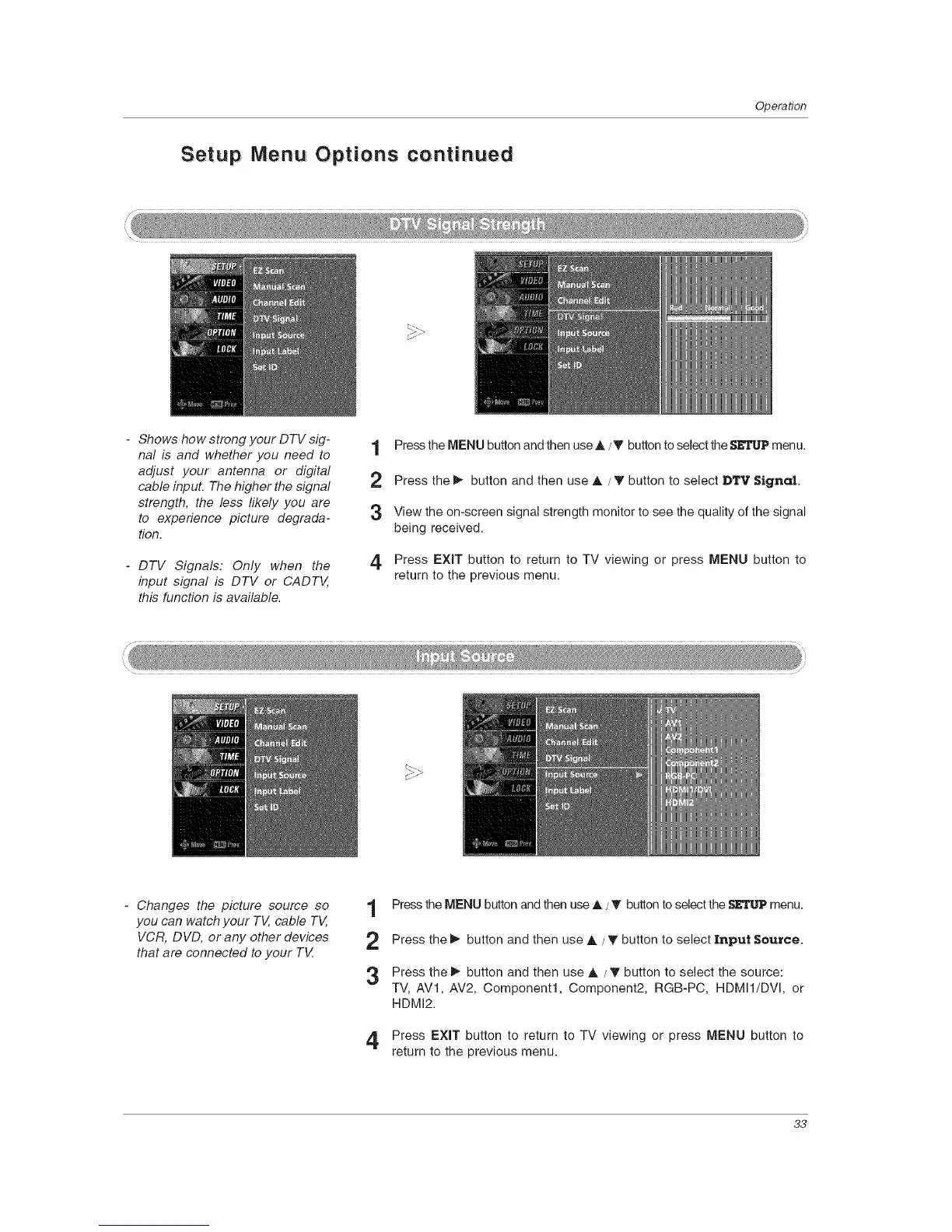
- Shows how strong your DTV sig-
nal is and whether you need to
adjust your antenna or digital
cable input. The higher the signal
strength, the less likely you are
to experience picture degrada-
tien.
- DTV Signals. Only when the
input signal is DTV or CADTV,
this function is available.
1 Press the MENU button and then use A / _' button to select the Sg'TUPmenu.
2 Press the _ button and then use A / T button to select DTV Signal.
3 View the on-screen signal strength monitor to see the quality of the signal
being received.
4 Press EXIT button to return to TV viewing or press MENU button to
return to the previous menu.
19-
- Changes the picture source so
you can watch your TV, cable TV,
VCR, DVD, or any other devices
that are connected to your T_Z
1 Press the MENU button and then useA /_ button to select the gETUP menu.
2 Press the _ button and then use A / T button to select Input Source.
Press the _ button and then use A / T button to select the source:
TV, AVl, AV2, Component1, Component2, RGB-PC, HDMI1/DVl, or
HDMI2.
4 Press EXIT button to return to TV viewing or press MENU button to
return to the previous menu.
33



 To Next Page