Operation
Audio Menu 0 pt ions
- Otherlanguagesmaybeavailable
if a digital signal is provided by the
broadcasting station.
1
2
3
4
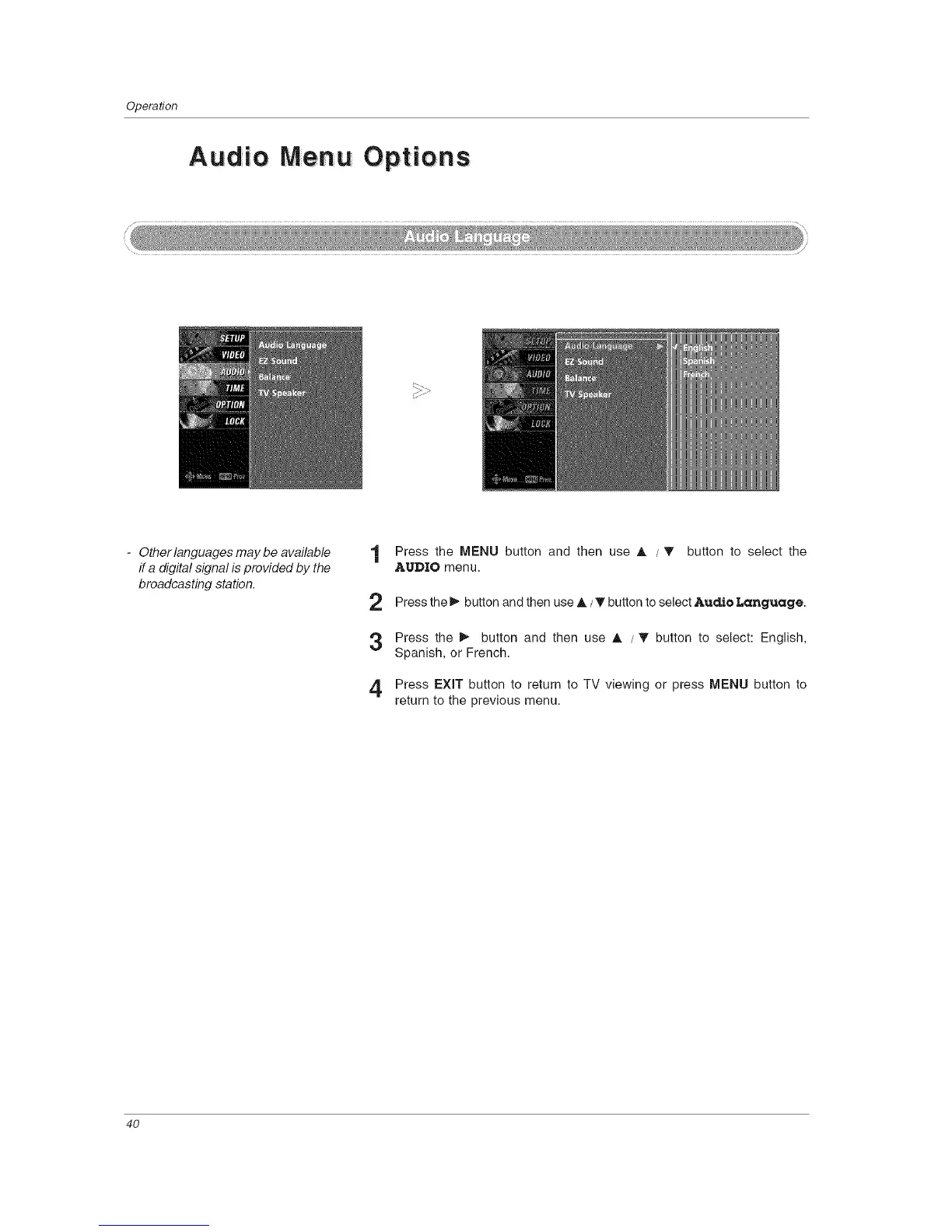
Press the MENU button and then use A /T button to select the
AUDIO menu.
Press the _ button and then use A / _' button to select Audio Language.
Press the _ button and then use A /'V button to select: English,
Spanish, or French.
Press EXIT button to return to TV viewing or press MENU button to
return to the previous menu.
4O



 To Next Page