Operation
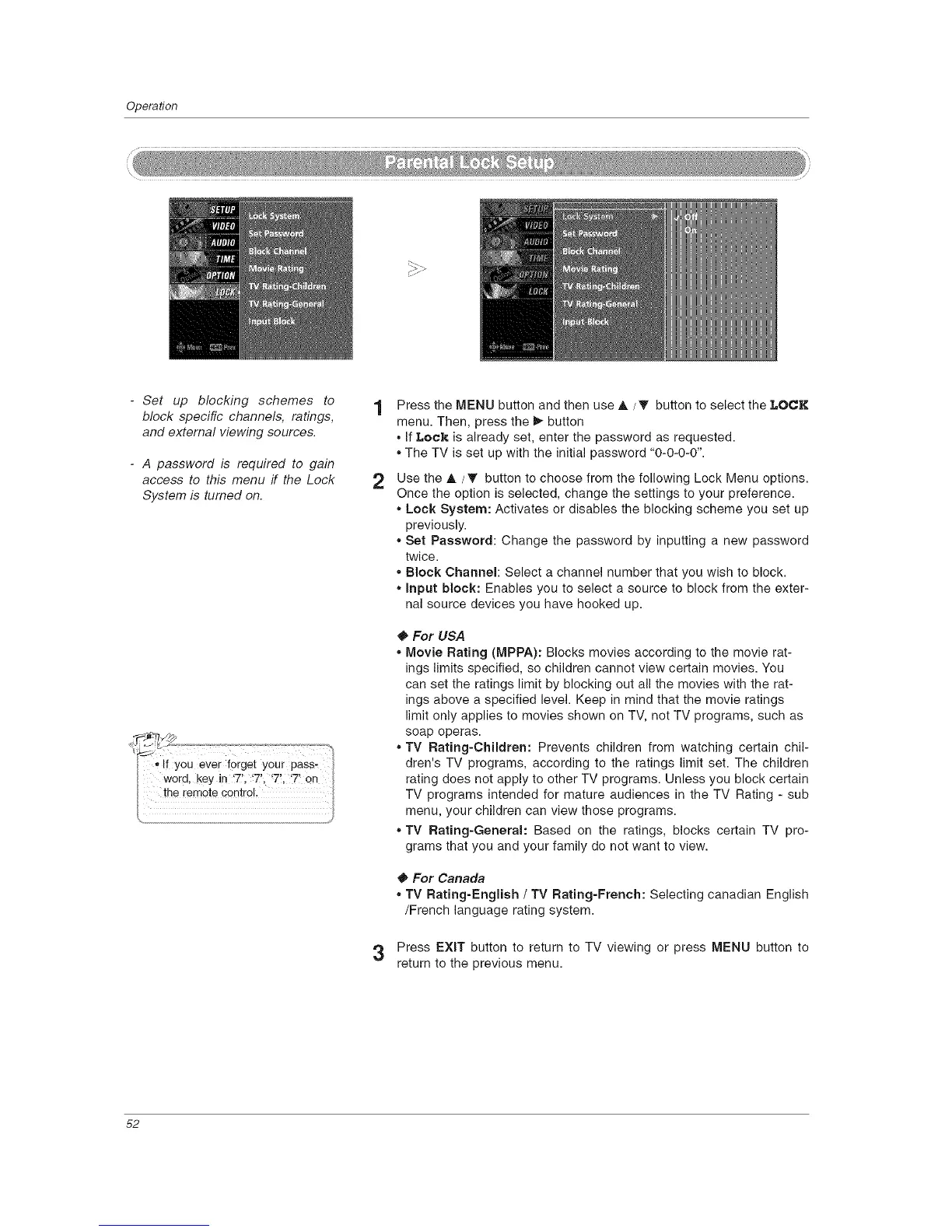
- Set up blocking schemes to
block specific channels, ratings,
and external viewing sources.
- A password is required to gain
access to this menu if the Lock
System is turned on.
2
Press the MENU button and then use A/T button to select the LOCK
menu. Then, press the _ button
• If Lock is already set, enter the password as requested.
• The TV is set up with the initial password "0-0-0-0".
Use the A / • button to choose from the following Lock Menu options.
Once the option is selected, change the settings to your preference.
• Lock System: Activates or disables the blocking scheme you set up
previously.
• Set Password: Change the password by inputting a new password
twice.
, Block Channel: Select a channel number that you wish to block.
• Input block: Enables you to select a source to block from the exter-
nal source devices you have hooked up.
For USA
, Movie Rating (MPPA): Blocks movies according to the movie rat-
ings limits specified, so children cannot view certain movies. You
can set the ratings limit by blocking out all the movies with the rat-
ings above a specified level. Keep in mind that the movie ratings
limit only applies to movies shown on TV, not TV programs, such as
soap operas.
* TV Rating-Children: Prevents children from watching certain chil-
dren's TV programs, according to the ratings limit set. The children
rating does not apply to other TV programs. Unless you block certain
TV programs intended for mature audiences in the TV Rating - sub
menu, your children can view those programs.
* TV Rating-General: Based on the ratings, blocks certain TV pro-
grams that you and your family do not want to view.
For Canada
* TV Rating-English / TV Rating-French: Selecting canadian English
/French language rating system.
3 Press EXIT button to return to TV viewing or press MENU button to
return to the previous menu.
52



 To Next Page