ELECTRICAL TROUBLESHOOTING GUIDE
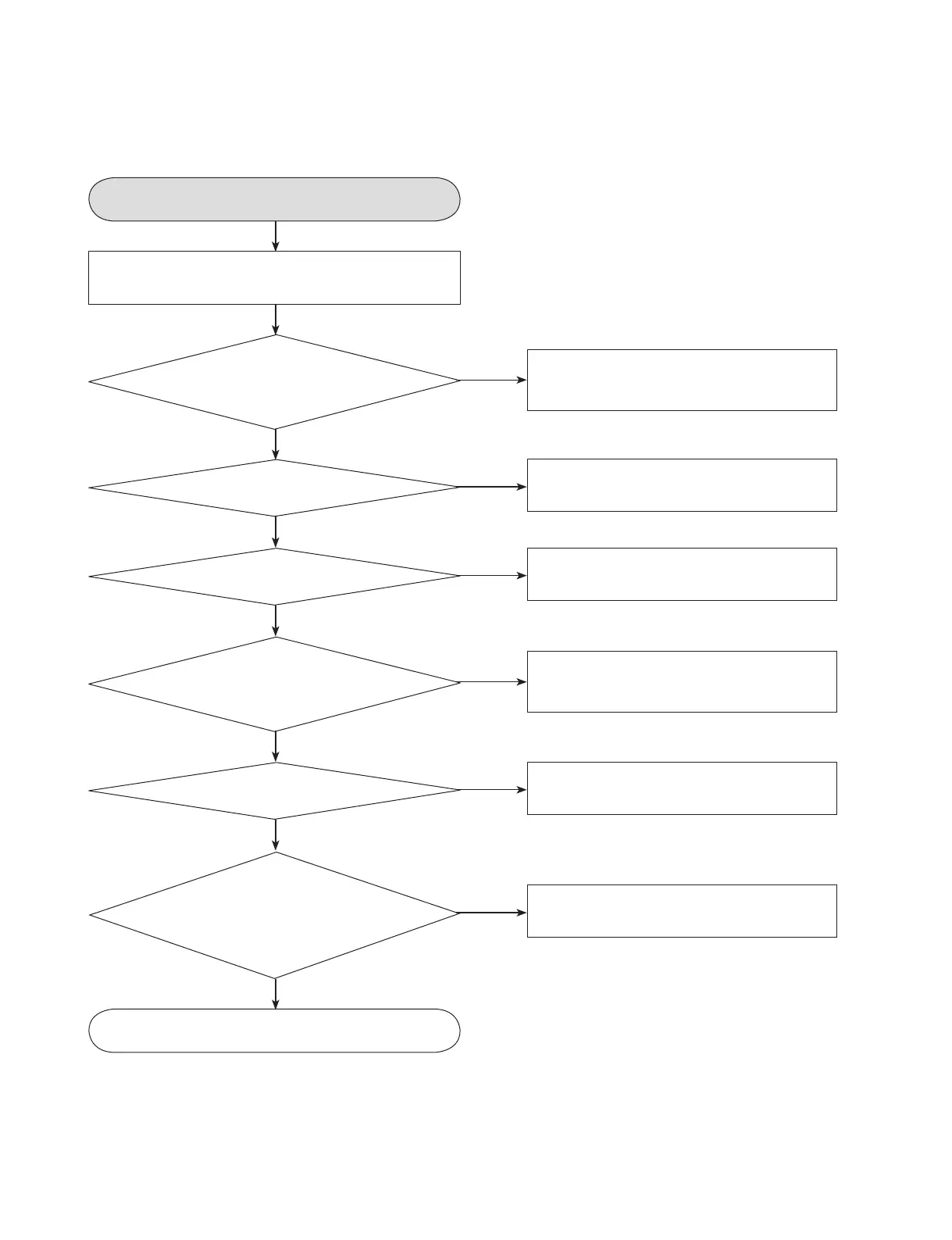
Reset or power check.
OK
Check the power (5V/12V) signal
path from SMPS.
Repair the SMPS Block
NO
Are the Pin1 of
LPB801+5V, Pin4 of LPB801+12V
respectively after the power
cable connecting?
Check the LIC901 and
LIC901 input voltage 5V (Pin#3)
NO
<Power>
Is the Pin2 of LIC901
3.3V?
Check it after connecting the power cable only on
interface cable for NO Reset or Power ON.
YES
YES
YES
Check the LIC902 and
LIC902 input voltage 3.3V (Pin#3)
NO
<Power>
Is the pin2 of LIC903
1.2V?
YES
YES
Check the LX501(25MHz),
Check the LIC501
NO
Are the LX501 oscillating?
YES
YES
Check the AVCC 5volt and
Reset Circuit.
(LR5B0,LR5B1,LC5B0)
NO
Does the Pin120
(Reset in) of LIC501 change
0V to 1.63V at the power supply
initial input mode?
Check the LIC501
NO
<Reference>
1.65V (V14ref) :
Check Pin1 of LIC501
2.2V (VFVREF) : Check Pin2 of
LIC501 2.2V (VHAVC) :
Check Pin3 of
LIC501
1. RESET OR POWER CHECK



 To Next Page