System Setting 31
System Setting
3
Sound Effect
You can select a suitable sound mode. Press SOUND
EFFECT repeatedly until the desired mode appears
on the front panel display or the TV screen. The
displayed items for the equalizer maybe dierent
depending on sound sources and eects.
[Natural]: You can enjoy comfortable and natural
sound.
[Bypass]: Software with multichannel surround
audio signals is played according to the way it was
recorded.
[Bass Blast]: Reinforce the bass sound eect from
front left and right speaker and subwoofer.
[Loudness]: Improves bass and treble sound.
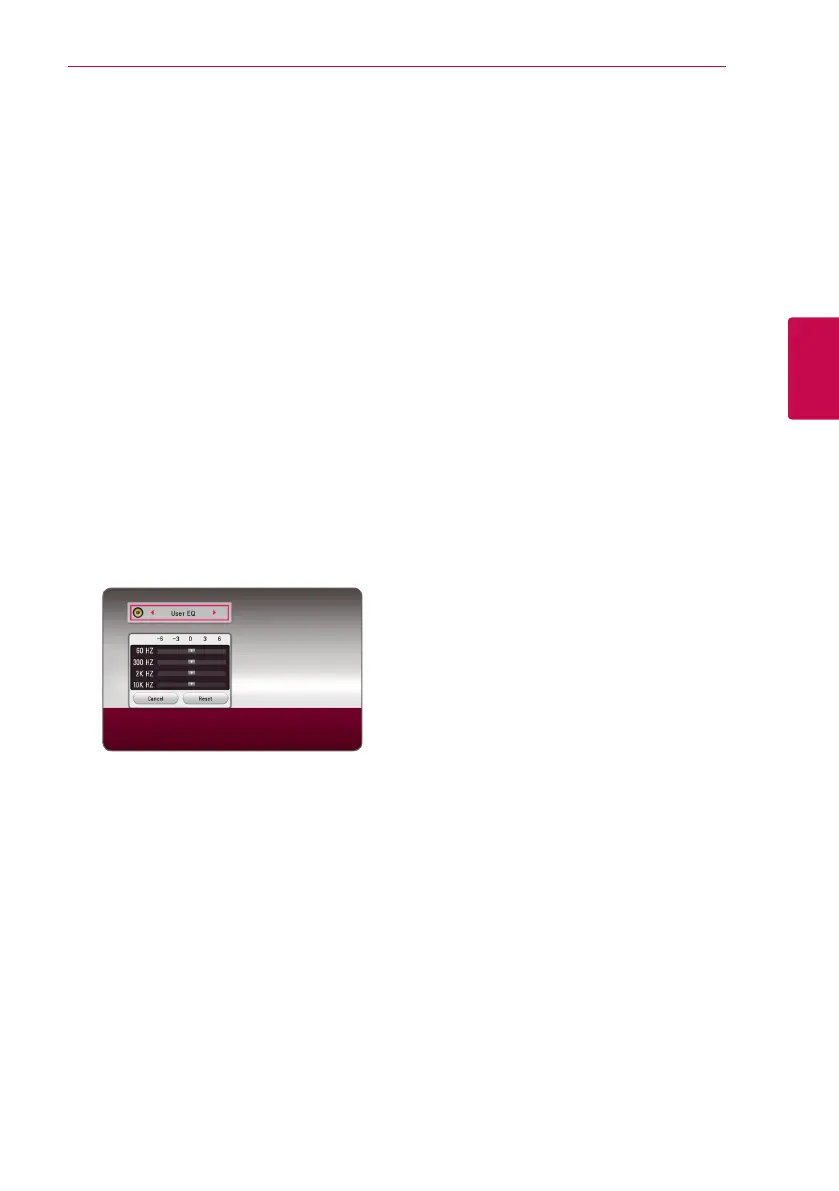
[User EQ]: You can adjust the sound by raising or
lowering the level of specic frequency.
[Power Front] (Optional): You can enjoy the
harmonious sound. This mode is suited for all the
speakers were placed in a row.
Setting the [User EQ]
1. Use
W/S
to select the desired frequency.
2. Use
A/D
to select the desired level.
Select [Cancel] option then press ENTER (
b
) to
cancel the setting.
Select [Reset] option then press ENTER (
b
) to reset
the all adjustments.


 To Next Page