44
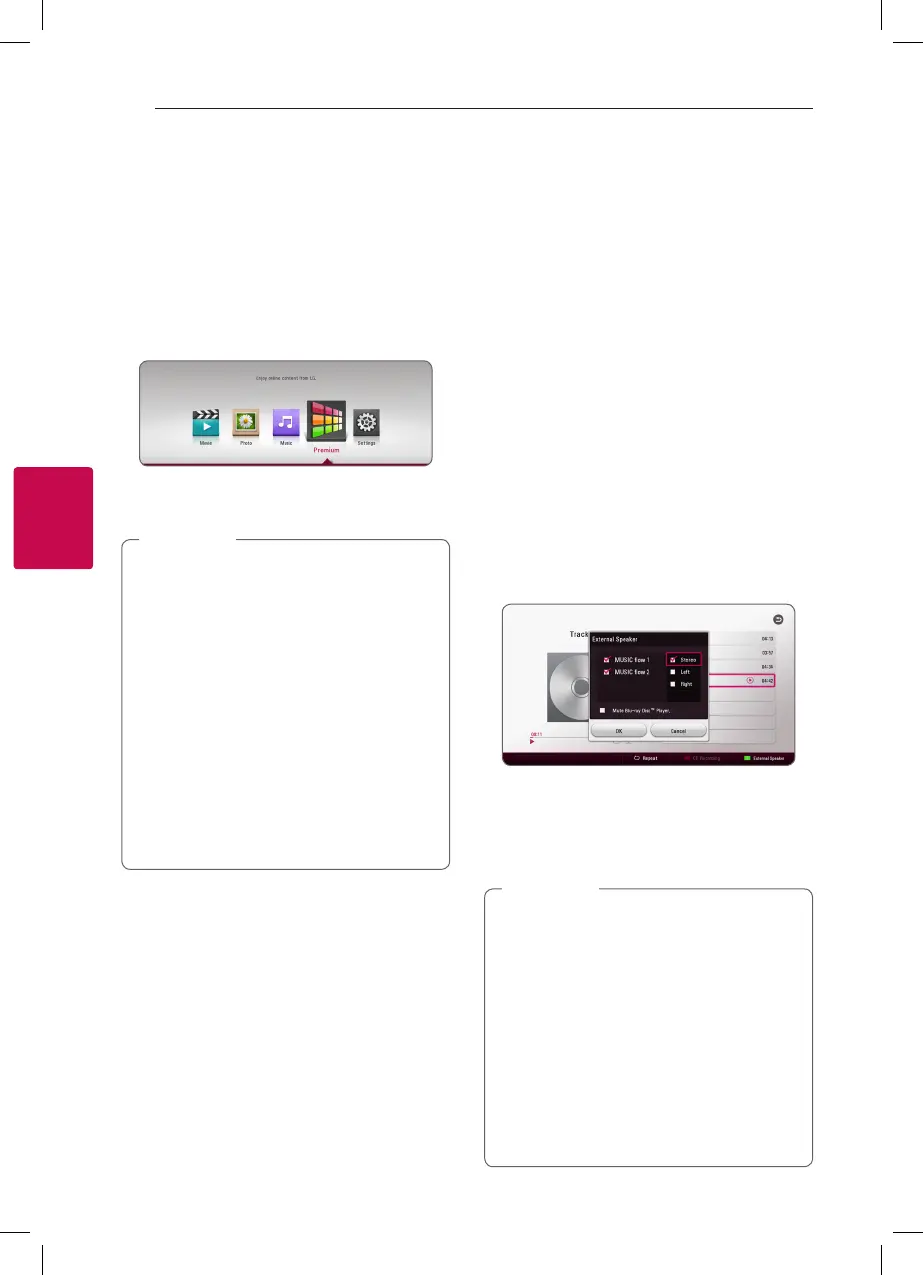
Using the Premium
You can use various content services via Internet
with the Premium feature.
1. Check the network connection and settings
(page 16).
2. Press HOME (
1
).
3. Select the [Premium] using
a/d
, and press
ENTER (
b
).
4. Select an online service using
w/s/a/d
,
and press ENTER (
b
).
y
For detailed information of each service,
contact to the content provider or visit
support link of the service.
y
The content of Premium services and
service related information, including user
interface, is subject to changes. Please refer
to the web site of each service for most up-
to-date information.
y
For the rst time to access [Premium],
current country setting appears.
y
If you want to change the country setting,
go to [Settings] > [NETWORK] > [Smart
Service Setting] > [Country Setting]. Select
[Manual] and press ENTER (
b
) on [Country
Setting] menu.
,
Note
Enjoying with
LG Multi-room Audio
(LG Music Flow)
tu
LG smart Hi-Fi audio system MUSIC ow allows you
to enjoy music with the several speaker wirelessly.
Using MUSIC ow, you can enjoy audio contents
being played by this unit with high quality.
1. Check the network connection and settings
(page 16). The player and speakers must be
connected to the same network.
2. During music playback, press green (G) colored
button. Select speakers using
w/s
and
ENTER (
b
). You can check multiple MUSIC
ows you listen with. To change MUSIC ow’s
channel, press
d
during the checked speaker is
highlighted and select the output option using
w/s
and ENTER (
b
).
If you select [Mute Blu-ray Disc™ Player], you can
listen using only MUSIC ow.
3. Select [OK], and press ENTER (
b
) to complete
speaker selection.
y
It is recommended to connect up to 4
speakers for smooth playback.
y
Signal interference may cause playback
stop.
y
If playback doesn’t work smoothly, the
connection may be broken automatically.
y
If your MUSIC ow is not displayed on the
list, reset network setting on the setting
menu.
y
If you press BACK (
1
) to go back to le
browser during playback with MUSIC ow,
playback through MUSIC ow is stopped.
,
Note



 To Next Page