6
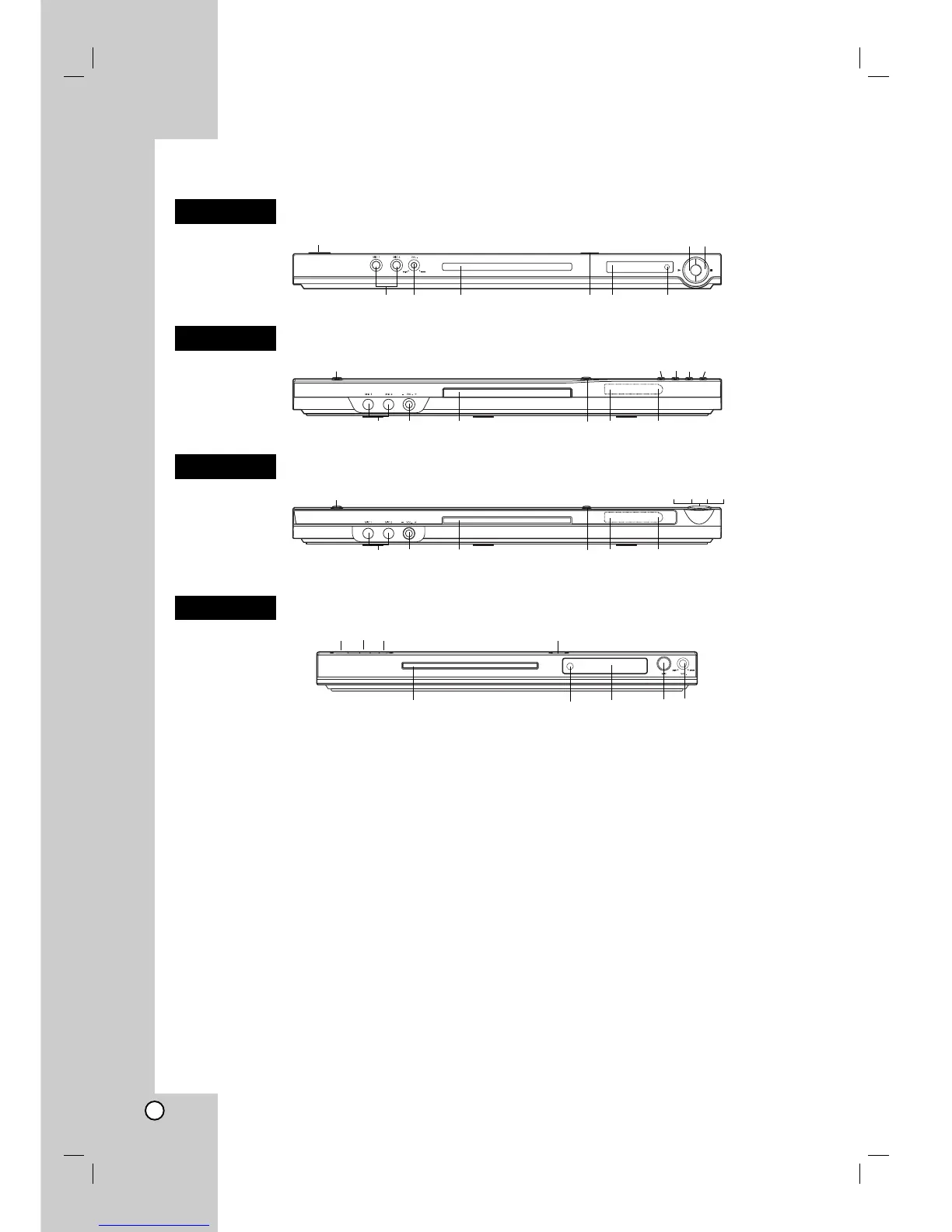
a POWER
Switches the unit ON and OFF.
b N (PLAY)
Starts playback.
c x (STOP)
Stops playback.
d SKIP (.)
Returns to beginning of current chapter or track or
go to previous chapter or track.
e SKIP (>)
Go to next chapter or track.
f Disc Tray
Insert a disc here.
g Z (OPEN / CLOSE)
Opens or closes the disc tray.
h Display window
Shows the current status of the unit.
i Remote Sensor
Point the remote control here.
j Microphone jack(s)
Connect a microphone(s) to MIC socket(s).
k Microphone volume control
Adjusts microphone volume.
abc
jk f gh i
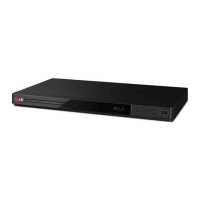
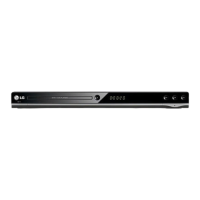
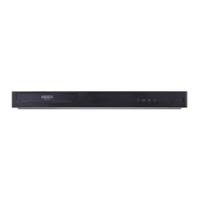
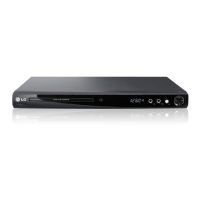
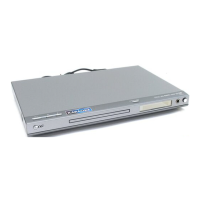
Front Panel
a bcde
jk f gh i
a bcde
jk f gh i
abc g
fihjk
DK678X
DK677X
DK676X
DK673X


 To Next Page