EasyManua.ls Logo

LG FAS166F - Fld Display Check

LG FAS166F
65 pages
Print Icon
To Next Page IconTo Next Page
To Previous Page IconTo Previous Page
Loading...
3-17
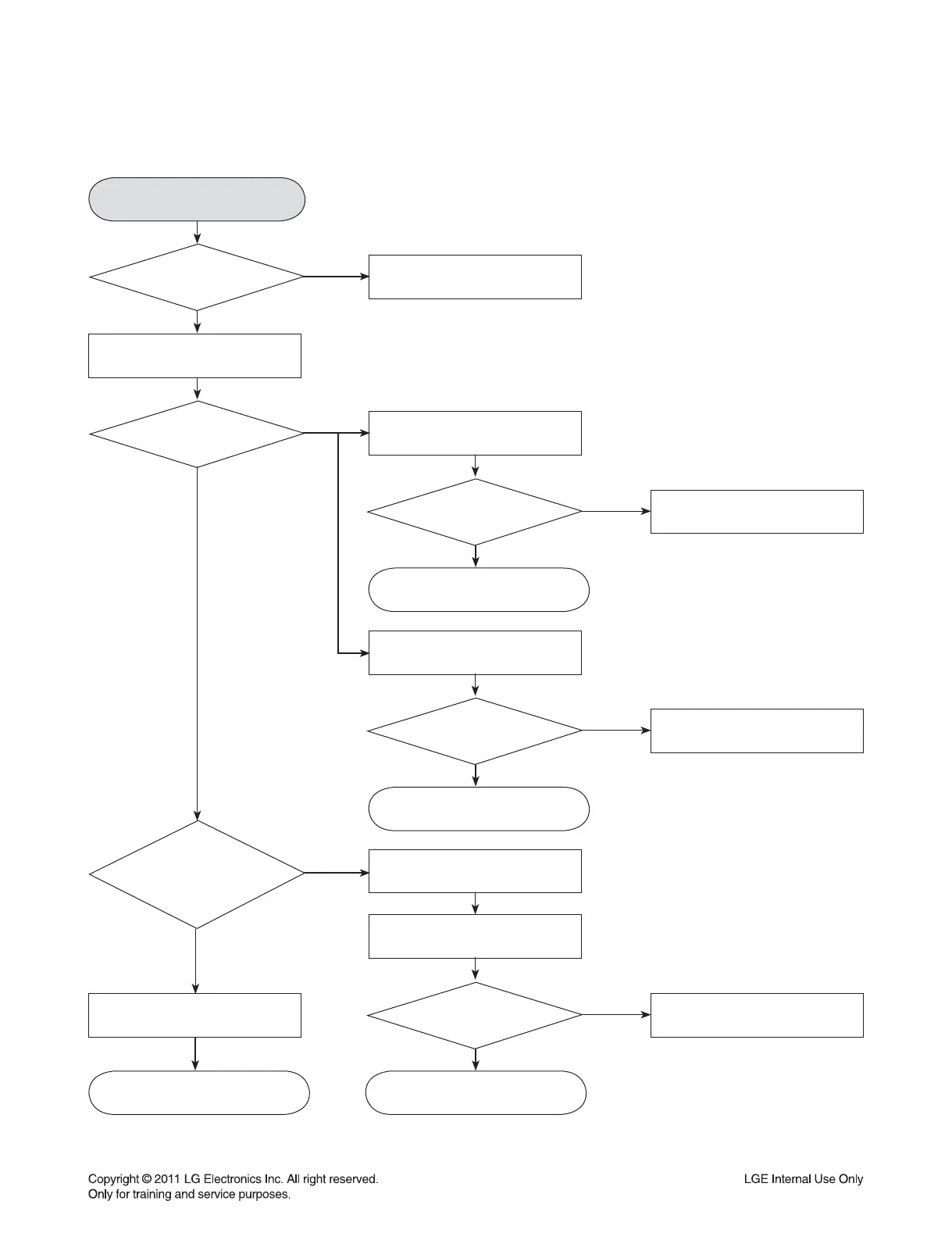
ELECTRICAL TROUBLESHOOTING GUIDE
FLD display check
Refer to
SMPS troubleshooting.
Check CN301 connection.
Check DATA input
IC101: Pin26, 27, 28.
Check DATA output
IC101: Pin26.
If voltage is not 3.3 V,
check input and output of D301.
Check if both end voltage of
FL+, FL- are -24V, -28V
VKK : -31V.
Check FFC cable or refer to
SMPS troubleshooting..
Replace IC101.FLD light on?
Replace IC301.
Check
CN301 Pin3,4,5 voltage
input.
NO
NO
NO
NO
NO
NO
Check each
Pin voltage.
Check IC101.
Check IC301.
Check IC301 Pin9 3.3V
Pin50 VKK : -31V.
Check
data communication
IC101-->IC301
Pin27-->Pin3 STB,
Pin26-->Pin2 DATA,
Pin28-->Pin1 CLK
YES
YES
YES
YES
YES
YES
YES
YES
YES
YES
YES
YES
6. FLD DISPLAY CHECK
OK
OK
OK OK

Related product manuals