1-5
Copyright © 2008 LG Electronics. Inc. All right reserved.
Only for training and service purposes
LGE Internal Use Only
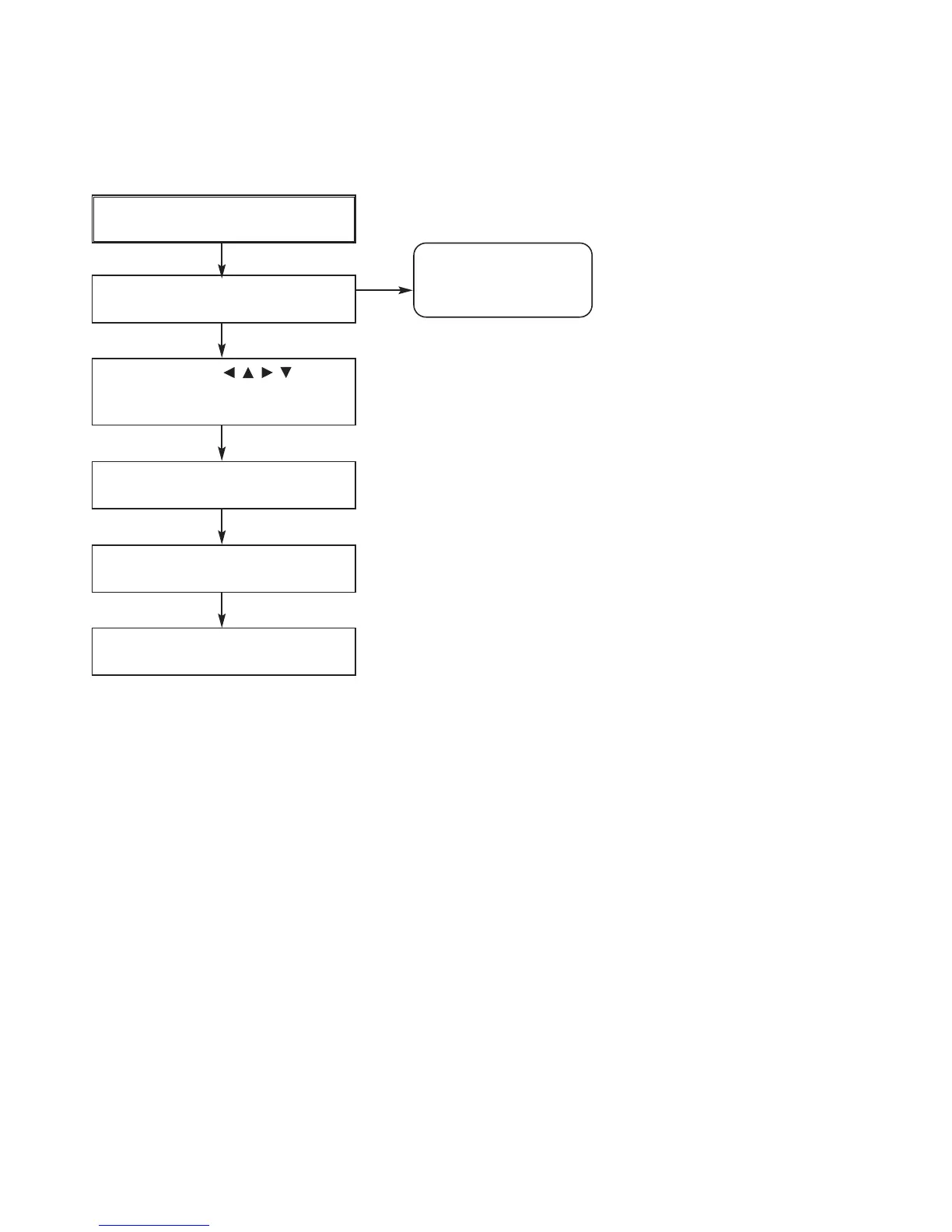
THE STEPS FOR CHANGE THE OPTION CODE
POWER ON
Remote control ‘2’ + Front ‘STOP’
push same timing during 5s
Use arrow key ( ) to
move to appropriate position and
make changes
Press pause key once
Remote control ‘2’ + Front ‘STOP’
push same timing during 5s
Auto power off
AUDIO MICOM OPTION
NAME
OPT 0
HEX
00
LED


 To Next Page