1-6
Copyright © 2008 LG Electronics. Inc. All right reserved.
Only for training and service purposes
LGE Internal Use Only
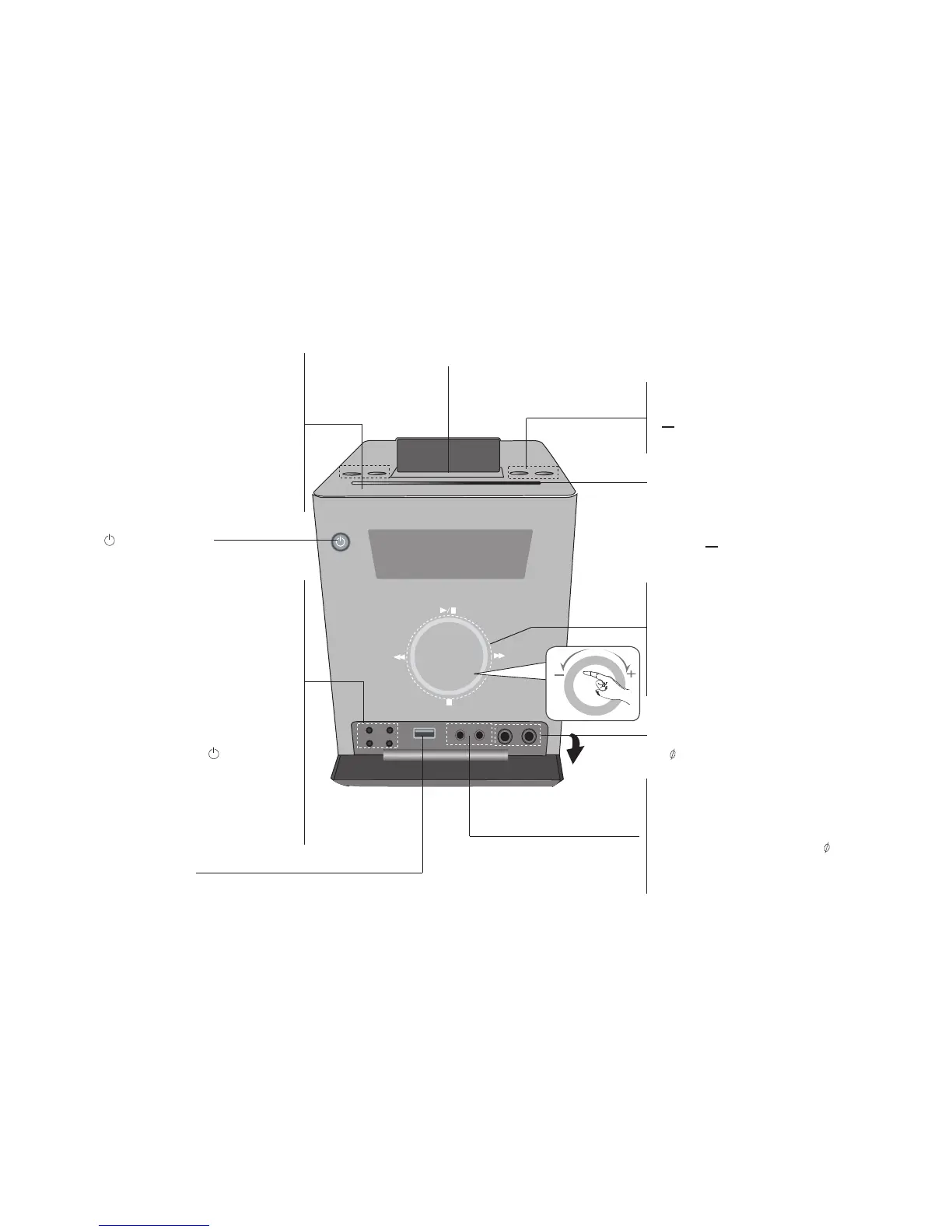
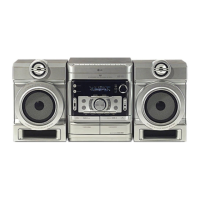
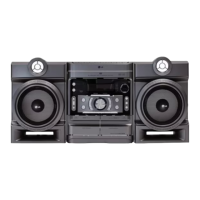
LOCATION OF USERS CONTROLS
FRONT / BACK PANEL
• FUNC.
To select the Functions press
FUNC..
(DVD/CD→USB→OSD IPOD
(Optional)→IPOD(Optional)
→PORTABLE→FM→AM )..
• XDSS Plus (MP3 Optimizer)
Reinforce the treble, bass and
surround effect, XDSS ON will
show in the display, press again for
ORMAL.
• (STANDBY/ON)
Turn on or off
• TIMER
(see Use your player as a desired
time.)
• CLOCK
For setting the clock and checking
the time.
(see setting the clock)
• VSM(VIRTUAL SOUND MATRIX )
/ DEMO Press DEMO in power off
state to demonstrate the function
on display window.
To cancel it, press or DEMO
again.
• SET confirms the time you have
selected when setting the clock.
- RDS (OPTIONAL) shows infor-
mation about radio stations. (see
listening to the radio)
• USB connector
Connect a remote USB compatible
player here.
• USB Rec.
USB DIRECT RECORDING
•
EJECT
Ejects or inserts the CD from the slot
loader.
• CD slot loader
- Do not push a disc forcibly.
- Do not pull or push a disc while a
disc is eject.
- Press
again to reinsert the disc
after ejecting it .
• or AUTO TUNING -
TUNER / (
|
or
|
) SKIP-CD
buttons
• / (PLAY/PAUSE)
• STOP button
• VOLUME Adjustment
Moves your finger to inside of touch
wheel.
• MIC1/MIC2 Connect the microphone.
( 6.3 mm) - Optional
• PORT. IN. For connecting a portable
device and playing it through the
system’s speaker.
• Headphone jack
Connect a headphone plug ( 3.5
mm) into the jack to listen to the
sound through headphones
(not supplied).
iPod DOCKING (Optional)


 To Next Page