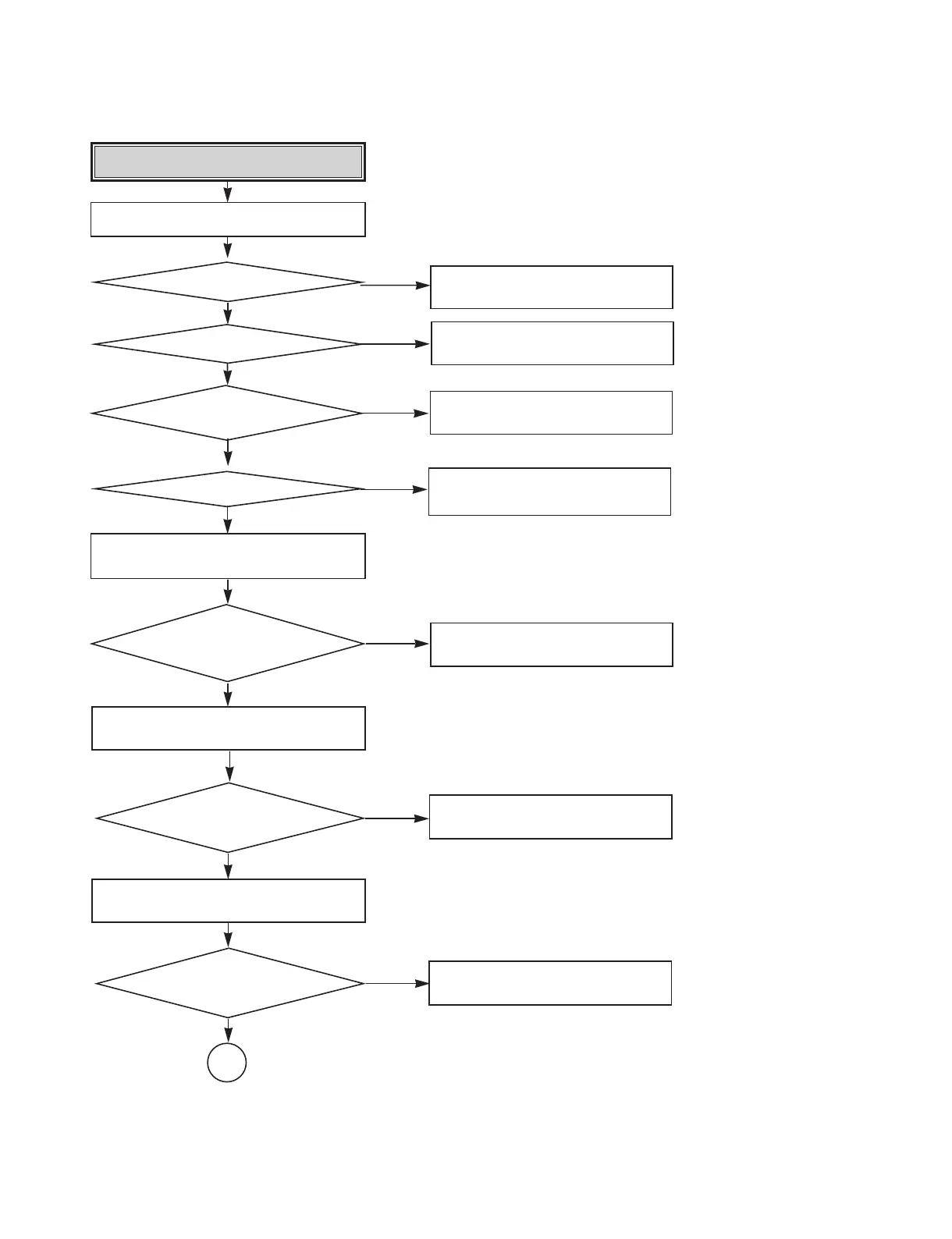
System Check.
Go to “Tray operating is abnormal”
Load tray without inserting disc.
NO
Does Tray operate normally?
Does Pick-up move to inside?
Does Laser turn on?
After eject tray, Insert CD-ROM Disc
and check rotation.
Does Disc rotate
continuously and the drive recognize
the disc?
After eject the tray, Insert DVD Disc and
check rotation.
After eject the tray, Insert DVD+R/RW Disc
and check rotation.
Does Disc rotate
continuously and the drive recognize the
disc?
Does Disc rotate
continuously and the drive recognize the
disc?
Go to “Sled operating is abnormal”
Go to “Laser operating is
abnormal”
Go to “Recognition fail Case1
(CD-ROM Disc)”
Go to :Recognition fail Case2
(DVD Disc)”
Go to :Recognition fail Case3
(Blank DVD+R/RW)”
NO
NO
YES
YES
YES
NO
NO
NO
YES
YES
YES
YES
YES
YES
Does Pickup lens move
up/down?
Go to “Focus Actuator operating is
abnormal”
NO
YES
OK


 To Next Page
 Loading...