Operating22
Operating
3
[USB] Only in CD, FM tuner, DAB and
Bluetooth Handsfree, recording is available.
[SD] Only in CD, recording is available.
Do not remove the USB device / SD card
during recording, or an incomplete le may
be made and not deleted on PC.
When USB device / SD card is not
connected, "REC ERR NO USB" / "REC ERR
NO SD" displays and cannot record.
When USB device / SD card memory is full,
"MEMORY FULL" [LCS710BRS / LCS710DAB]
"REC ERR MEMORY FULL" [LCF810BRS /
LCF810DAB] displays and stops recording.
While FM tuner / DAB / Bluetooth Handsfree
recording, the broadcastings are recorded
as a le every 20 minutes.
While one track CD recording, "REC 1"
appears. While other recording, "REC"
appears.
You can adjust the recording speed.
(Refer to the page 15.)
,
Note
The making of unauthorized copies of copy-
The making of unauthorized copies of copy-
protected material, including computer
protected material, including computer
programs, les, broadcasts and sound
programs, les, broadcasts and sound
recordings, may be an infringement of
recordings, may be an infringement of
copyrights and constitute a criminal o ense.
copyrights and constitute a criminal o ense.
This equipment should not be used for such
This equipment should not be used for such
purposes.
Be responsible
Respect copyrights
Listening to music
by connecting iPod /
iPhone
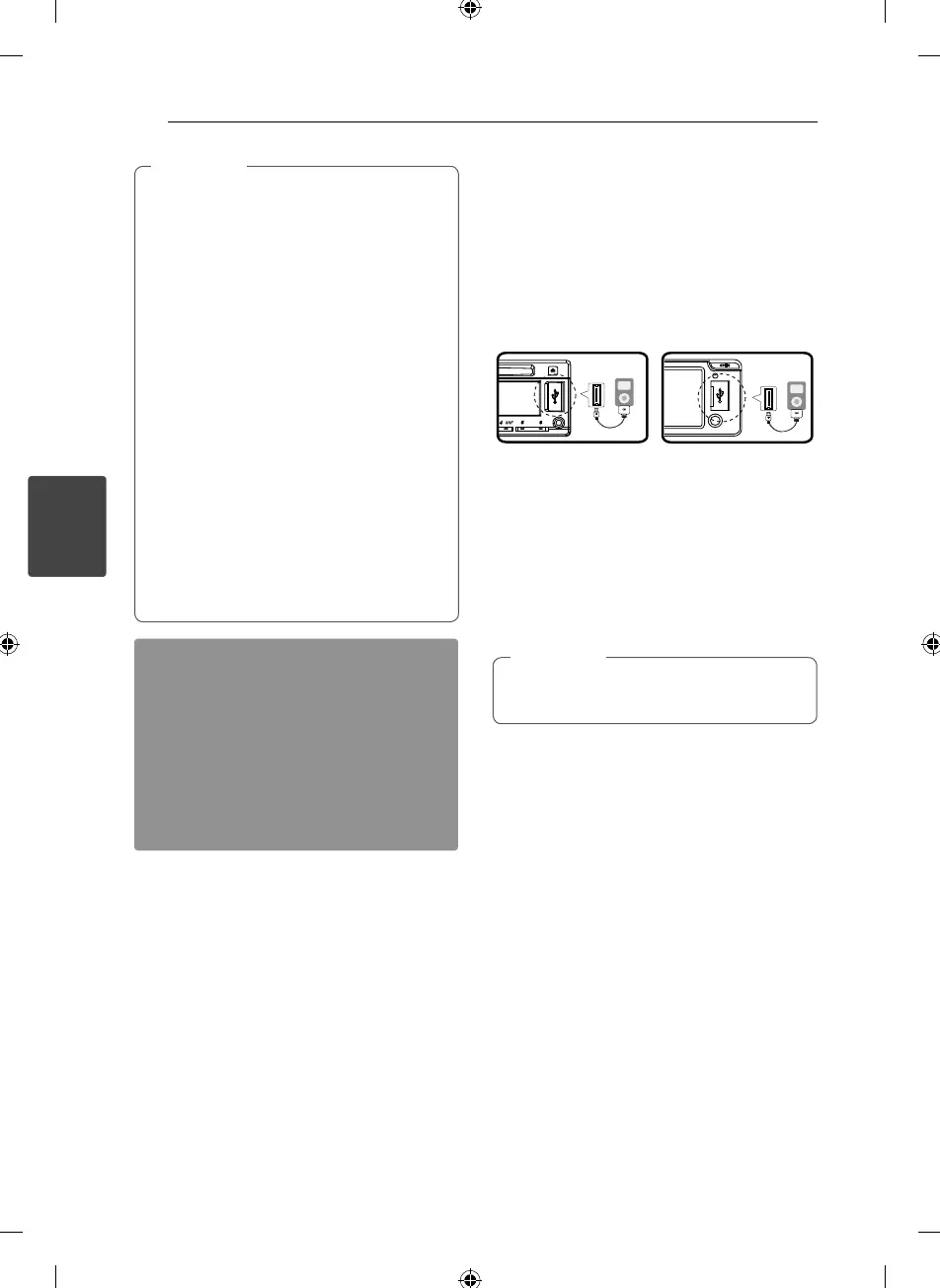
You can enjoy iPod / iPhone-stored music on the
unit by connecting it to the USB connector using
the appropriate cable.
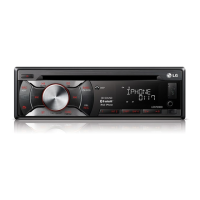
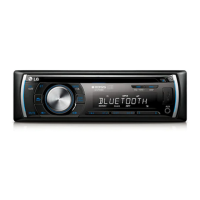
[LCS710BRS / LCS710DAB] [LCF810BRS / LCF810DAB]
1. Open the USB cover.
2. Connect the iPod / iPhone.
3. Press SRC to select a source to USB.
4. Rotate the volume knob to adjust the volume
on the unit.
Or press VOLUME
W
/
S
on the remote control.
Refer to the page 23 to check the compatible
iPod model for this unit.
,
Note
Pausing or restarting playback
1. Press
N
on the unit to pause playback.
Or press
d/M
on the remote control.
2. Press it to resume playback.
Searching for a section within
a track / fi le
During playback, press and hold
A
/
D
and then
release at a point you want.
Checking information about
your music
MP3 / WMA les often come with tags. The tag
gives the Title, Artist or Album.
Press DISP repeatedly during MP3 / WMA le
playback. If there is no information, "NO TEXT" will
be shown in the display window.



 To Next Page