Operating24
Operating
3
“Made for iPod” means that an electronic accessory
has been designed to connect speci cally to iPod
and has been certi ed by the developer to meet
Apple performance standards.
“Works with iPhone” means that an electronic
accessory has been designed to connect
speci cally to iPhone and has been certi ed by the
developer to meet Apple performance standards.
Apple is not responsible for the operation of this
device or its compliance with safety and regulatory
standards.
iPod is a trademark of Apple Inc., registered in the
U.S. and other countries.
iPhone is a trademark of Apple Inc.
Connecting a
Bluetooth wireless
technology
Before you start the pairing procedure, make sure
the Bluetooth wireless technology is turned on in
to your phone. Refer to your phone’s user guide.
Pairing links your unit and phone with Bluetooth
wireless technology, and is required only once for
the initial setup. If the connection is successful, the
phone is registered (Device 1 to 10). The process
of pairing may be di erent depend on the phones.
The PIN CODE is 1234.
ON PLAYER
1. Enter the menu.
2. Find the "CONNECT" menu.
Rotate the
volume knob
3. Enter the "CONNECT" menu.
Press the
volume knob
4. Select the "SEARCH" menu.
Rotate the
volume knob
5. Search the phones supported
Bluetooth wireless technology.
Press the
volume knob
6. Select a phone you want to
connect.
Rotate the
volume knob
7. Connect the phone.
Press the
volume knob
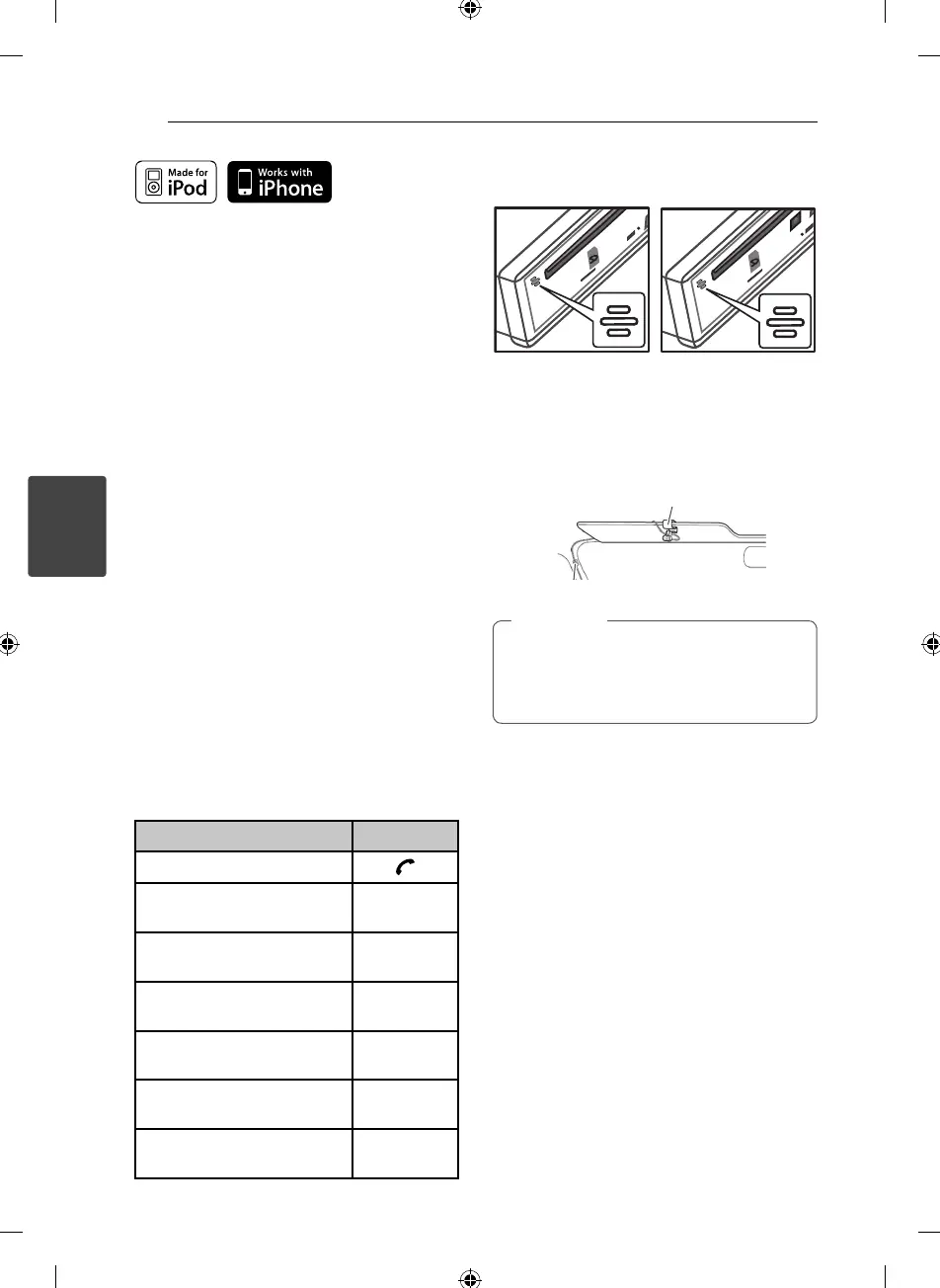
Microphone (OPTIONAL)
Unit has a built-in microphone.
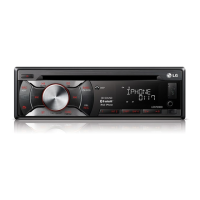
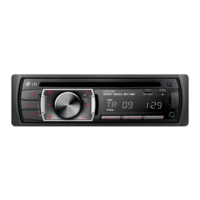
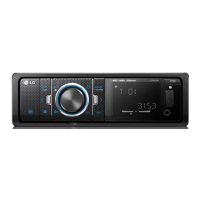
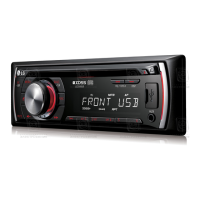
[LCS710BRS / LCS710DAB] [LCF810BRS / LCF810DAB]
The microphone needs to be close to and
pointed toward the person speaking. Install the
microphone as shown below.
Microphone unit
If you power o the unit while talking on
the phone through the unit by using the BT
function, the function is deactivated and you
can talk on the phone directly.
,
Note



 To Next Page