Audio
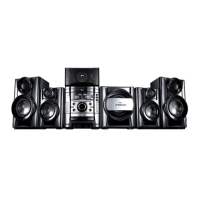
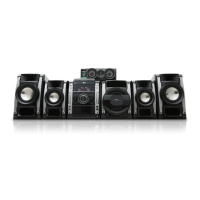
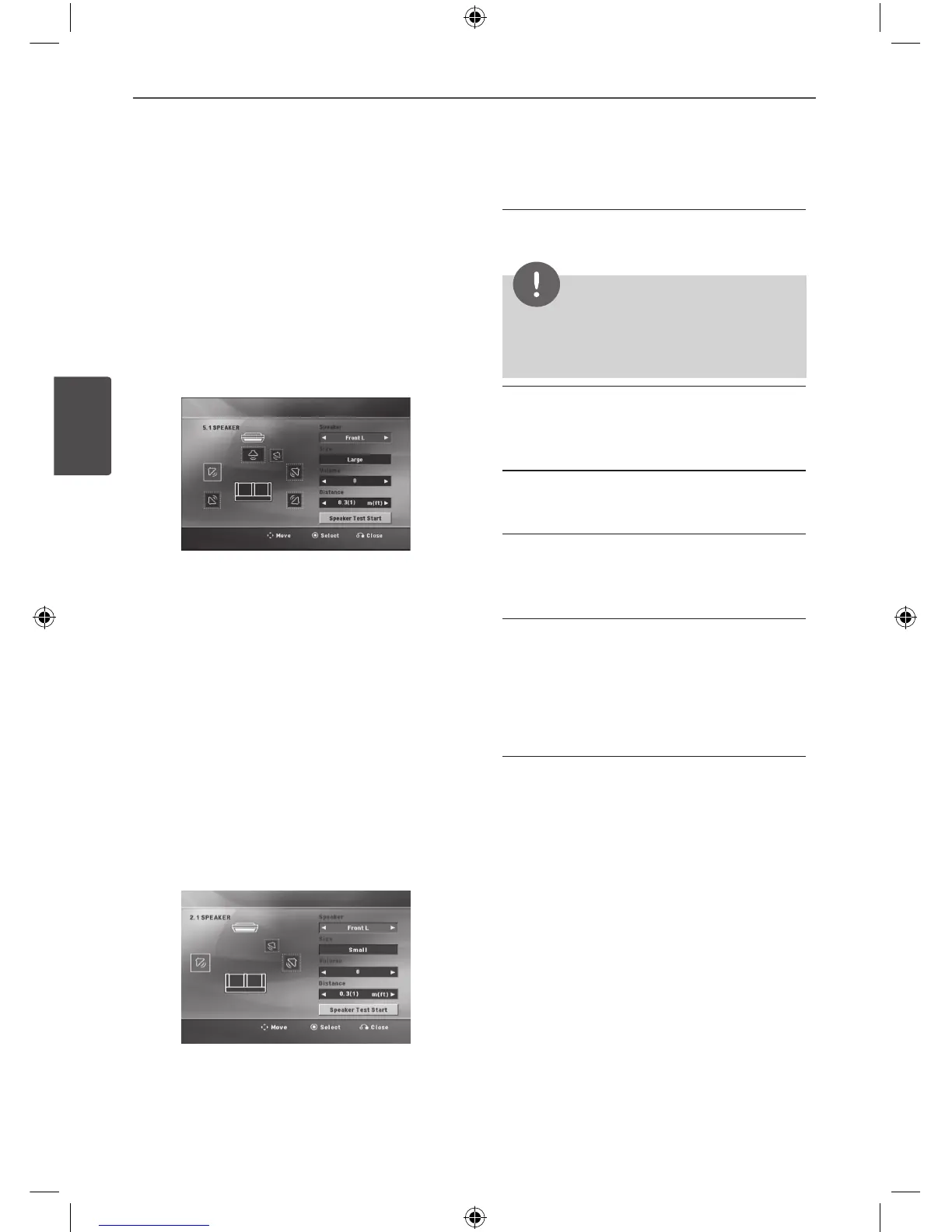
5.1 Speaker Setup (MDS 715)
Make the following settings for the built-in 5.1
channel surround decoder.
1. Select [5.1 Speaker Setup] on the [Audio]
menu.
2. Press ENTER.
The [5.1 SPEAKER] appears.
3. Use
I i
to select the desired speaker.
4. Adjust options using
U u I i
buttons.
5. Returns to the previous menu by pressing
RETURN.
2.1 Speaker Setup (MDT 505)
Make the following settings for the built-in 2.1
channel surround decoder.
1. Select [2.1 Speaker Setup] on the [Audio]
menu.
2. Press ENTER.
The [2.1 SPEAKER] appears.
3. Use
I i
to select the desired speaker.
4. Adjust options using
U u I i
buttons.
5. Returns to the previous menu by pressing
RETURN.
[Speaker]
Select a speaker that you want to adjust.
NOTE
Certain speaker settings are prohibited by the
Dolby Digital licensing agreement.
[Size]
Since the speaker settings are xed, you
cannot change the settings.
[Volume]
Adjust the output level of each speaker.
[Distance]
Adjust the distance between each speaker
and the listening position.
[Speaker Test Start]
Select [Speaker Test Start] by using the
U u
and press ENTER. Press ENTER again
to stop. Adjust the volume to match the
volume of test signals memorized in the
system.


 To Next Page
 Loading...