25Operation
Operation
4
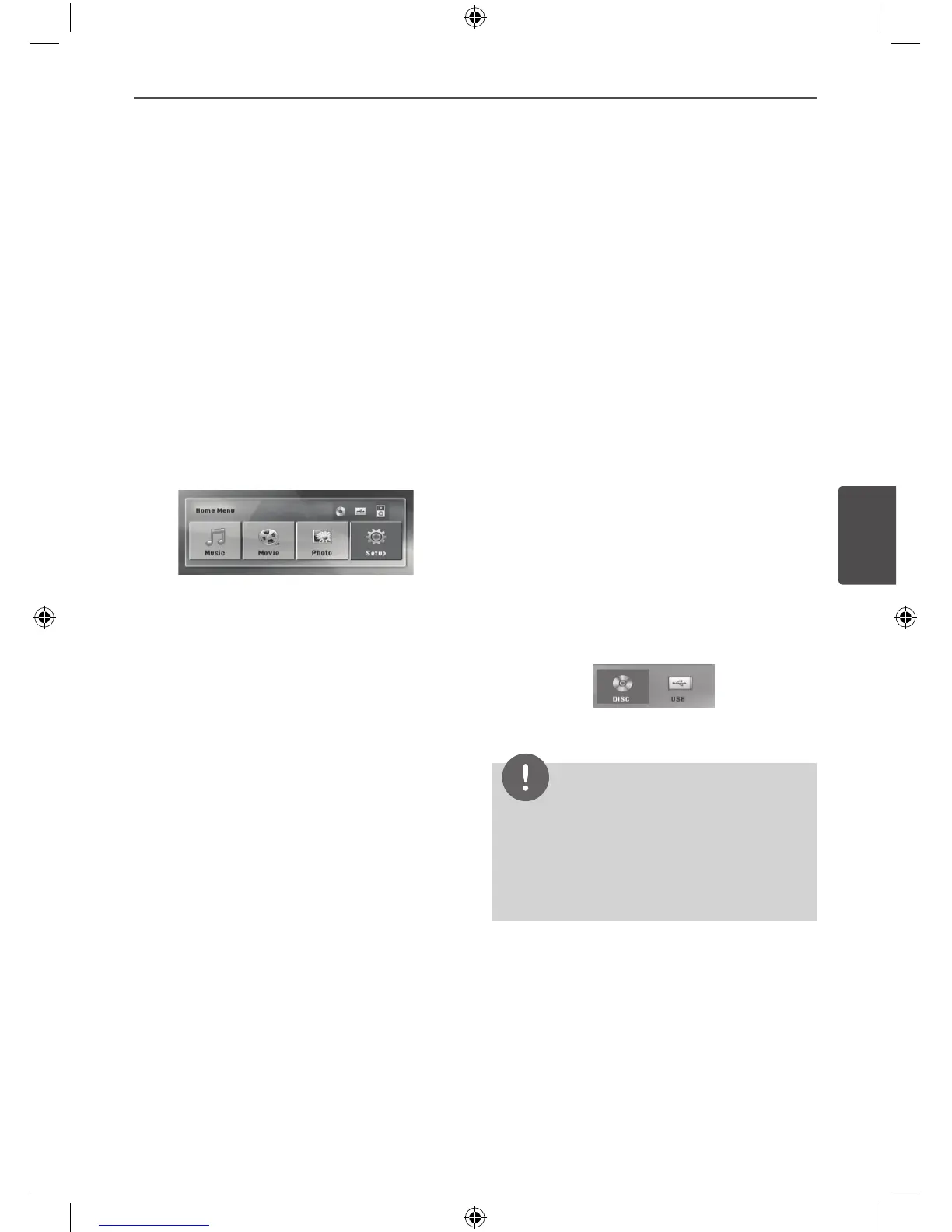
Using the Home Menu
1. Press HOME.
Displays the [Home] menu.
2. Select an option by using
I i
.
3. Press ENTER then select option menu.
[Music] – Displays [MUSIC] menu.
[Movie] – Start video media’s playback or
displays the [MOVIE] menu.
[Photo] – Displays [PHOTO] menu.
[Setup] – Displays the [Setup] menu.
Basic Operations
CD/ USB Operations
1. Insert the disc by Pressing OPEN/CLOSE
or connect the USB device to the USB port.
2. Press HOME.
Displays the [Home] Menu.
3. Select an option by using
I i
.
If you select the [Movie], [Photo] or [Music]
option when you connect up to two
devices, it appears as above.
4. Press ENTER then selected option menu.
NOTE
• For the most Audio CD and DVD-ROM discs,
playback starts automatically.
• The unit plays only music le contained in the
USB storage device or disc automatically.
4
Operation


 To Next Page
 Loading...