1-8
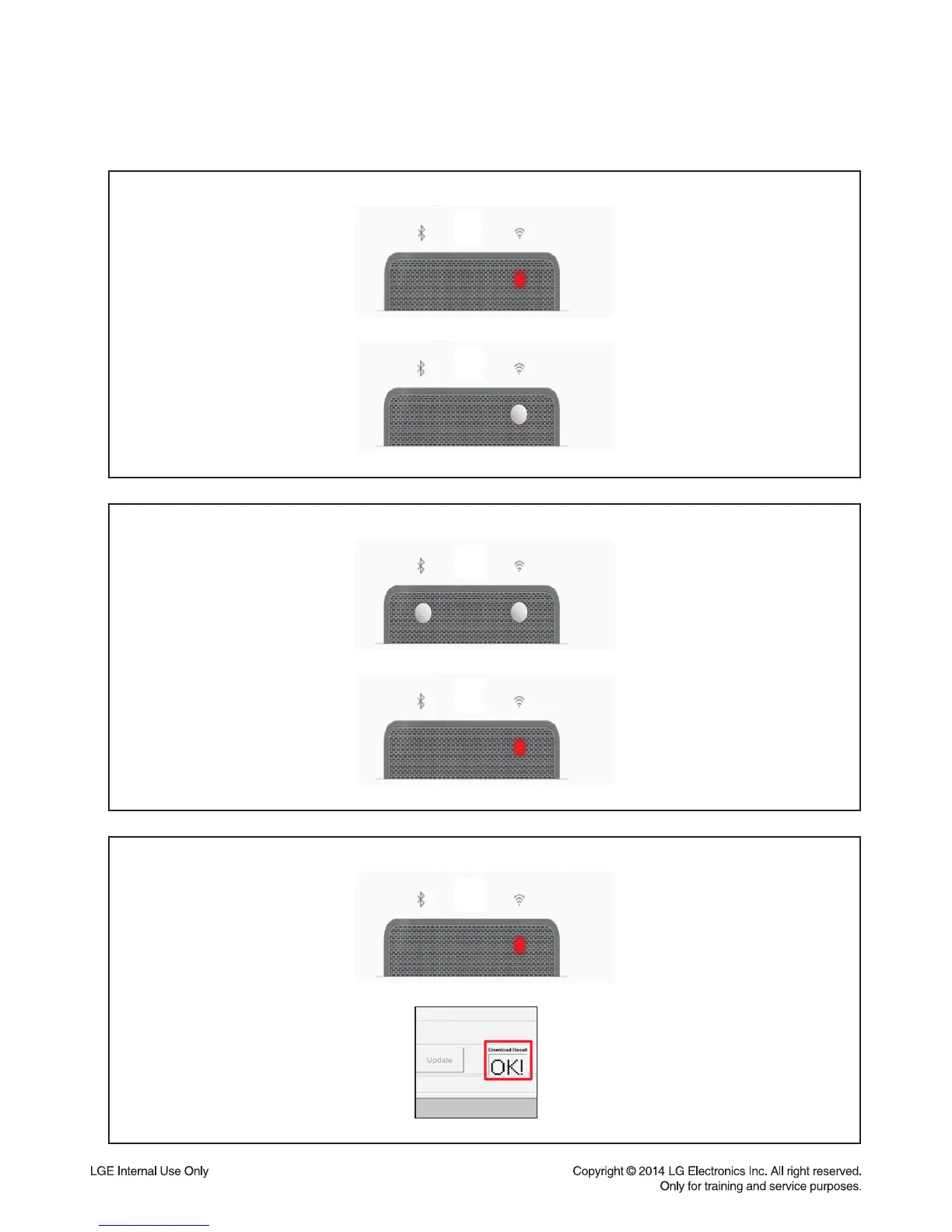
9) You can identify update status by network indicator lamp.
<Updating : Blinking red LED>
- B/E -
<Complete update : Blinking white LED>
<Updating : Blinking red LED>
- Option/ MEQ -
<Complete update : Download result display indicate ‘OK!’>
<Updating : Blinking B/T, Wi-Fi LED >
- Micom -
<Complete update : Reboot>



 To Next Page