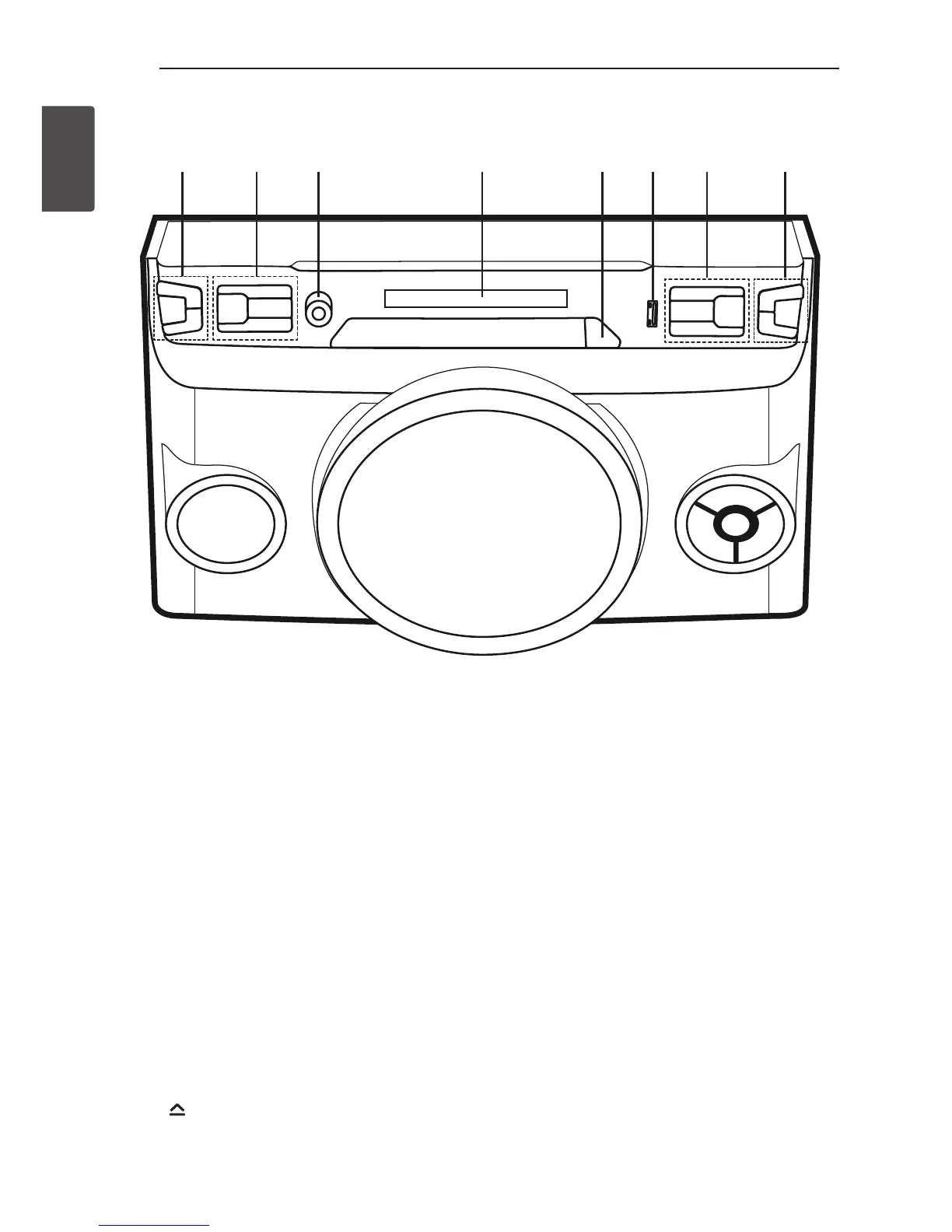
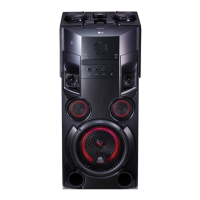
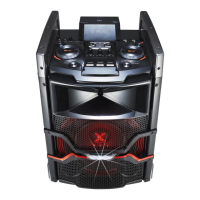
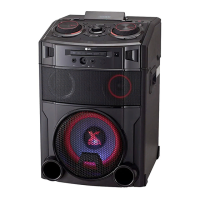
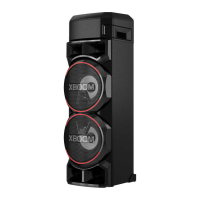
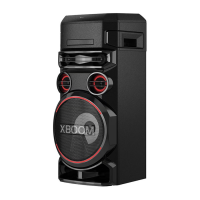
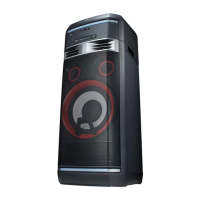
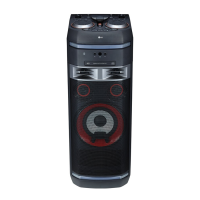
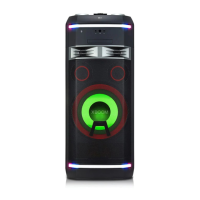
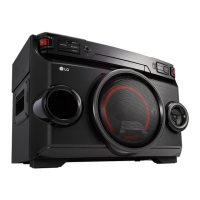
Front panel
a b c d e f g h
a
1
/
!
(Power) : Switches the unit ON or OFF.
MIC +/- : Adjusts Microphone volume.
b
F / WIRELESS BOOM :
- Selects the function and input source.
- Press and hold for 3 seconds to select
Wireless X-Boom Plus mode.
REGION EQ / BASS BLAST
- Chooses sound impressions.
- Press and hold for 3 seconds to select
BASS (BASS BLAST) effect directly.
AUTO DJ
Selects the AUTO DJ mode. (For more
informaion refer to page 18).
USB REC / DEMO
- Records to USB.
- Shows Demo mode
c
MIC : Connect a microphone.
d
Display window
e
: Opens and closes the disc tray.
f
USB Port : You can play or record sound les
by connecting the USB device.
g
Y/U
- Skips Fast backward or Forward.
- Searches for a section within a
track/ file.
I
: Stops playback or cancels DELETE
function.
z
- Starts or pauses playback.
h
VOL +/- : Adjusts speaker volume.
LIGHTING / X-BOOM PLUS
- Turns on/off the lighting effects.
- Press and hold for 3 seconds to select
X-BOOM PLUS mode.


 To Next Page